
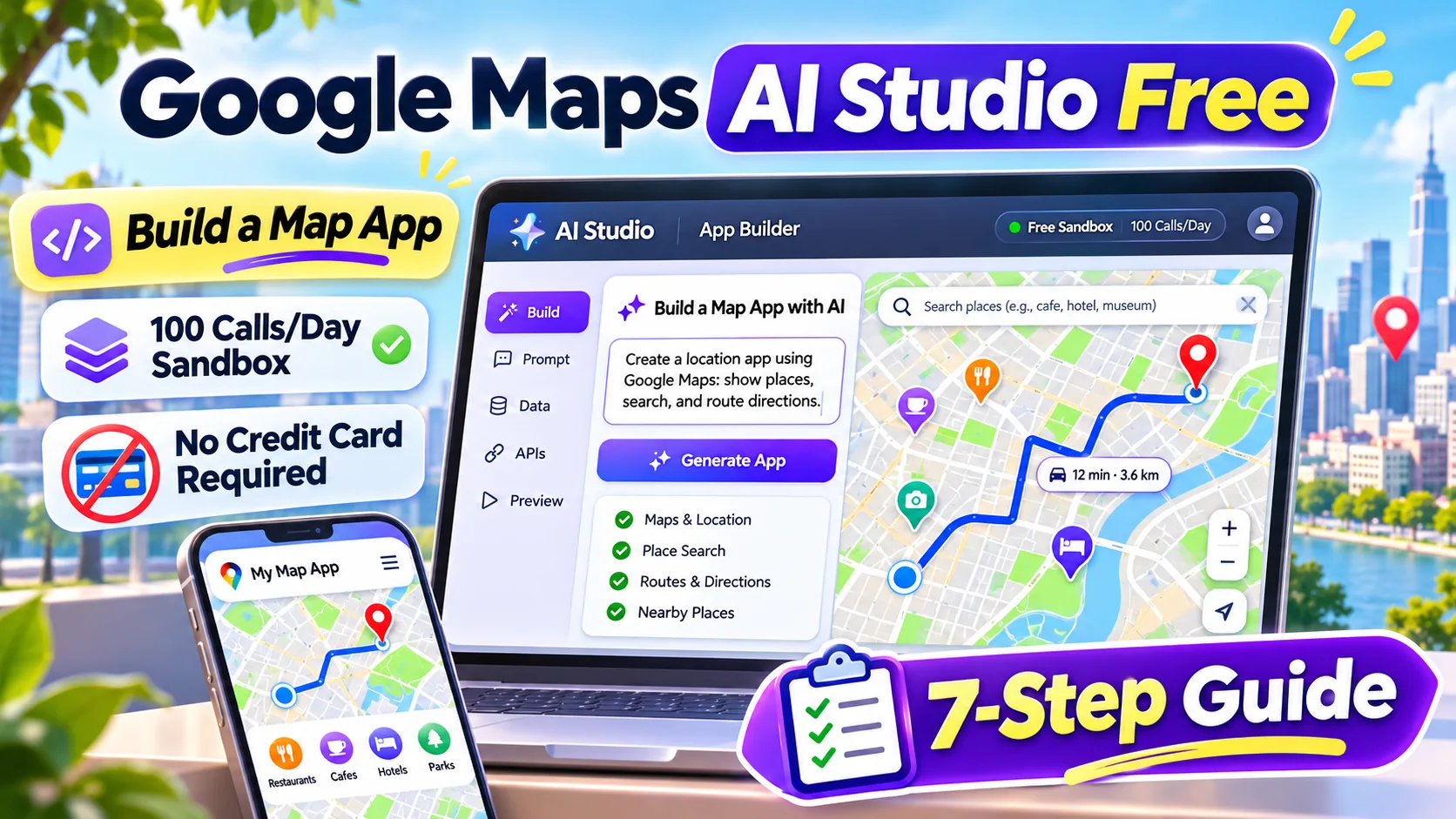
Google Maps AI Studio free — Google Maps AI Studio free app building became much easier on November 9, 2026, when Google introduced Google Maps Platform directly inside AI Studio. Developers and beginners can describe a store locator, route planner or interactive map in a prompt and preview an app without setting up billing first. However, the free experience is a sandbox with daily limits, not an unlimited production Maps plan. This guide shows exactly what to test before publishing your app.
Editorial note: Checked November 10, 2026 against official documentation. This guide describes announced functionality and recommended tests; it is not a claim that our editors tested a paid account or completed a production deployment.
Google Maps AI Studio free: key takeaways
- Google announced a Google Maps Platform integration inside AI Studio on November 9, 2026.
- The beginner prototype flow uses a prompt, AI Studio’s built-in Maps connection and a live preview.
- Google lists a 100-calls-per-day sandbox quota per supported Maps API, resetting every 24 hours.
- You do not need a credit card for the sandbox demonstration; production deployments require a linked billing account.
- Use cases include searchable store locators, Places-based lookups, Routes itineraries, 3D city tours and environmental displays.
Google Maps AI Studio free: features and limitations at a glance
| Feature | What it does | Before relying on it |
|---|---|---|
| Map rendering | Display a map, markers and custom styling | Check mobile loading, zoom and attribution |
| Places | Search businesses and show information | Confirm results are current and relevant |
| Routes | Plan driving or multi-stop trips | Validate route order, traffic assumptions and mode |
| 3D visualization | Prototype a flyover or city scene | Test performance and data coverage |
| Environment | Air quality, pollen and related context | Check availability by location and timestamp |
| Sandbox quota | 100 calls/day per supported API | Expect limits and no credit card in a trial |
| Production | Google Cloud billing required | Set caps, restrictions and ongoing cost monitoring |
What is the Google Maps integration in AI Studio?
Google AI Studio is a development environment where people can prototype apps with Gemini. The November 9 update connects its app-building workflow directly to Google Maps Platform. Instead of manually handling every setup step before a demo, you describe a geospatial idea and AI Studio arranges access to the appropriate mapping service.
For example, a neighborhood bookstore could describe an app that shows its branches, their locations and opening hours. AI Studio can generate a preview with an interactive map. Similarly, a mobile service company could prototype a route planner that considers several appointments.
Still, a generated application is a prototype until its behavior, data sources and deployment settings are checked. Google provides example projects, but their presence does not prove a custom prompt will work flawlessly in every account.
Is Google Maps AI Studio really free?
Google says that creating and testing apps in the new AI Studio sandbox requires no credit card and includes daily demo quotas. The announced allowance is 100 calls per day for each supported API. These calls reset every 24 hours, providing a useful starting point for a demonstration or a school project.
Free does not mean unlimited public traffic or permanent production hosting. Google explicitly states that launching the app or requiring higher capacity means connecting a Cloud billing account and using regular Maps Platform pricing. Some recurring free monthly Maps usage may still apply under those commercial terms.
Therefore, keep a separate note of the sandbox limit, the expected number of map or Places calls per visitor, and the costs of production. A store finder can trigger several API requests during one user session, so ‘100 daily calls’ should not be confused with 100 customers.
How to create a free map app in seven steps
Step 1 — Decide on one outcome. A clear objective is ‘Show the five nearest stores and let a user filter by distance’; a vague goal is ‘make an amazing travel platform.’ The narrow version is easier to verify.
Step 2 — Open Google AI Studio, sign in and look for app building with Google Maps. Product availability and menu labels can vary during rollouts, so use the current interface rather than assuming every screenshot will match.
Step 3 — Describe the app in plain language, including whether you want Maps, Places, Routes or environmental data. Ask the model to show loading indicators and helpful errors for failed calls.
Step 4 — Allow AI Studio to configure the Maps sandbox. Google’s announcement says it can set up demo keys without a credit card or connect to an existing Cloud project. Do not paste private production API keys into a public prompt.
Step 5 — Inspect the interactive preview. Pan, zoom, search for an unfamiliar town and try a route that has multiple turns. Confirm that results have meaningful labels and accessible controls.
Step 6 — Test rate limits and bad inputs. Enter an invalid location, request an unavailable route and observe what happens when the daily quota is exhausted. A useful app explains the problem rather than silently failing.
Step 7 — Before sharing publicly, review the generated code, data permissions, attribution requirements, access controls, billing and mobile behavior. Move to a production project only after those checks.
Copyable prompt ideas for a store locator and route planner
Store locator prompt: ‘Build a responsive store-locator website for a fictional neighborhood bakery. Show a map and a list of branches. Let users search by city, filter by distance and open accessible branch details. Do not invent real business hours; mark missing information as unavailable.’
Route-planner prompt: ‘Create a simple mobile-first day-trip planner. Let a user select a starting point and three destinations. Use the Routes API to show the suggested order and display the selected travel mode. Explain when route estimates depend on traffic or live data.’
Local discovery prompt: ‘Make an educational neighborhood finder with Places search, a map, and a short summary of results. Support keyboard navigation, display where place information comes from and avoid making claims about which business is open without current evidence.’
These prompts are templates for experimentation. They are not output examples from a live account and do not guarantee a matching app design or a particular number of API calls.
Which Maps API should you choose?
Use Maps for displaying a map interface and location markers. Places supports searching for businesses and retrieving location-related details. Routes handles journeys and route-related information; it is a better fit than manually drawing straight lines between arbitrary stops.
For more visual projects, Google highlights 3D city flyovers. Environmental data may support air-quality or pollen-related displays. However, every data service has different coverage and freshness, so check the current documentation for your target region.
An app may combine several services, but each additional API can increase complexity and consumption. Start with one primary service, then add others after the core experience works.
From free prototype to a production app
First, separate demonstration credentials from production credentials. A sandbox key should not be treated as a secret that can be copied into a public repository. For production, use the provider’s recommended API restrictions, approved domains and secure key-handling methods.
Next, set an estimate of usage per user. A business with 1,000 map visitors per day can consume many more than 1,000 API calls if every search, route adjustment and map movement triggers a request. Cache permitted data only within provider terms and avoid repeated unnecessary queries.
Finally, add billing alerts, error logging, accessibility checks and a fallback screen. A polished demo is a useful milestone, but robust production operations require maintenance beyond AI-generated code.
Common mistakes: fabricated results and outdated business data
Be cautious when a generated store finder displays realistic-looking business details that were never retrieved from Places. A model may add placeholder stores to make its layout attractive. Label sample records clearly and verify any live business results against the source.
Likewise, do not assume that a route is accurate because it looks plausible on a map. Compare at least three real trips with expected road or transit modes, then inspect unsupported regions and edge cases.
Privacy is also important. Location history and home addresses can reveal personal information. Collect only what is needed to provide a map service and explain any tracking to your users.
Who benefits most from this update?
Students can build location-based prototypes for assignments. Small businesses can explore a better store finder. Agencies may present interactive routing demos before investing in a full bespoke application.
On the other hand, high-traffic navigation services and regulated location use cases still need engineering oversight. AI Studio makes starting easier; it does not replace billing governance, data rules or security testing.
Google Maps AI Studio free: frequently asked questions
Do I need a credit card for Google Maps in AI Studio?
Google’s November 9 sandbox announcement says no credit card is needed to prototype within the daily demo limits.
How many Maps requests are free?
The launch post describes up to 100 calls per day for each supported API in the AI Studio sandbox. Production has different billing and quota rules.
Can I build a route planner with a prompt?
Yes, Google lists route planning among the supported ideas. Test actual routing behavior, route data and error handling before releasing it.
Can I publish my free prototype as a production business app?
Production use requires a proper billing connection and compliance with Maps Platform terms, security recommendations and applicable quotas.
Which API creates a store finder?
Maps displays locations; Places helps search and retrieve place data. Many useful locators combine both.
Google Maps AI Studio free: final recommendation
Google Maps in AI Studio is a useful no-credit-card entry point for practical maps, local discovery and routing prototypes. Take advantage of the daily sandbox allowance to validate the idea, then plan production billing and data controls before exposing the app to real customers.
Official sources and further reading
Official sources: Google Developers official Maps in AI Studio announcement and Google Maps Platform documentation and billing resources. Product features, pricing and access may change; verify current settings in the provider account before planning a production workflow.
Related educational guides on AIReviewDock.com: Gemini Canvas sketch-to-app tutorial and no-code AI app building guide.
Separate commercial tool reviews on AIReviewDock.online: RoboTek AI app builder review and SuperPlug AI integrations review. These products have different capabilities and should not be treated as substitutes without testing.