
Affiliate disclosure: This page contains affiliate links. A qualifying purchase may earn us a commission without changing your price. This is a documented offer analysis; we have not independently purchased and benchmarked every paid feature.
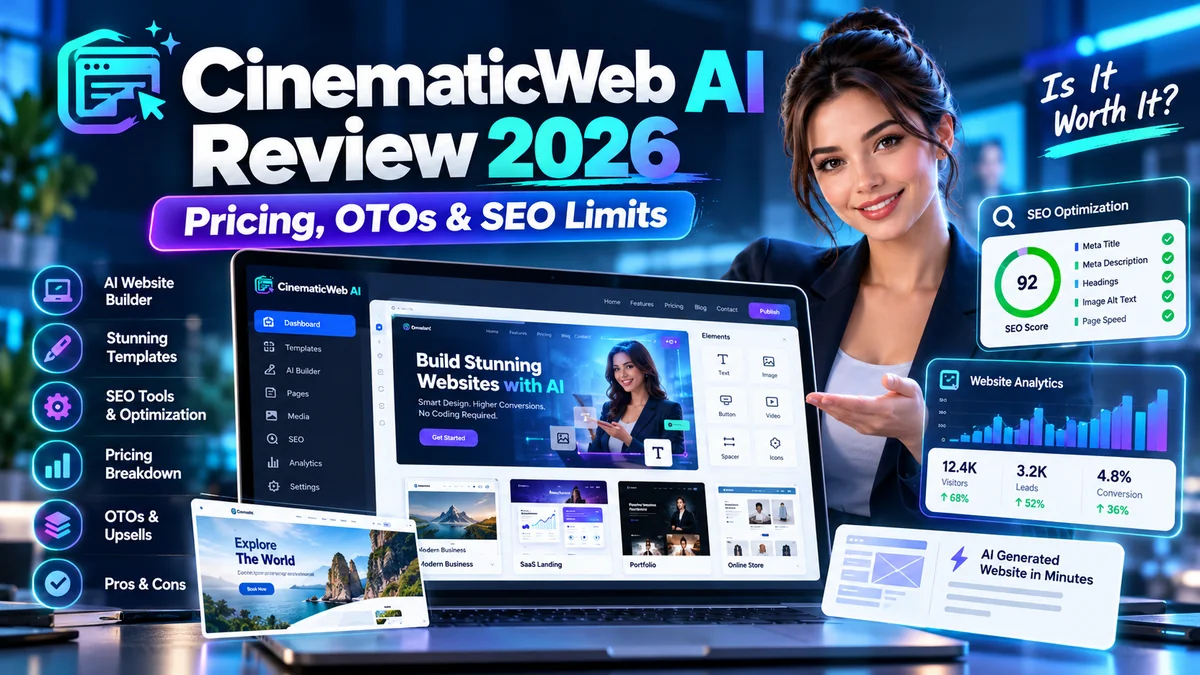
CinematicWeb AI Review 2026: CinematicWeb AI is a browser-based website-creation offer advertised around the idea of building visually dynamic pages from a written prompt. The headline appeal is speed and presentation. But a cinematic home page is not automatically a search-friendly, accessible, fast, editable or secure website.
This review evaluates the October 2026 launch from a real buyer’s perspective: what the advertised low-cost offer could help with, which production requirements need manual checking, and why the hidden cost of finishing a site matters more than the initial screen design.
CinematicWeb AI Review: At a Glance
| Product | CinematicWeb AI (LaunchPad offer) |
| Core idea | Create visually animated websites using prompts |
| Launch reference | October 5, 2026 |
| Advertised entry | Launch listings around $17; other affiliate pages display different specials |
| Primary users | Small businesses, marketers, creators, landing-page builders |
| Main uncertainty | SEO control, performance, publishing/hosting and long-term editability |
What Does “Cinematic” Mean in a Website Builder?
Website builders increasingly promise automatically selected imagery, motion, transitions, structured sections and polished text based on a prompt. Those can make an attractive demonstration. The real question is whether the resulting site supports its intended business task—booking requests, lead capture, product discovery or clear service explanations.
Cinematic design can use subtle scroll effects, video backgrounds, animated cards and modern typography. The same elements can create delays and distractions when implemented poorly, particularly on budget phones or slower connections.
Prompt-to-page workflow
A common vendor-promoted workflow is to describe the business or concept, choose a style, generate initial sections, adjust text and media, then publish. You should inspect which parts are editable after generation: headings, images, alt text, navigation, mobile spacing, form fields, metadata and URL slugs.
CinematicWeb AI Pricing and Upgrade Questions
Launch calendars for October 5 advertised CinematicWeb AI near $17, while at least one contemporaneous review reported a $14.97 special. These are offer-time references rather than a guaranteed current price. Optional upgrades or bump products may appear after the first checkout.
| Potential cost | What to verify |
| Front-end purchase | Final amount and included website/project limits |
| Hosting / domain | Whether connected hosting, SSL and domain support cost extra |
| Optional upgrades | More sites, templates, commercial rights or resale permissions |
| Maintenance | How edits, backups, performance fixes and exports work after purchase |
Ask where a finished site is hosted, whether you can export it, whether you own the content, whether a live domain is supported and what happens if your account expires or the vendor closes. One-time software pricing does not necessarily cover every ongoing website expense.
Can CinematicWeb AI Produce SEO-Friendly Websites?
SEO is not a visual theme. At minimum, inspect whether you can control page titles, descriptions, H1/H2 headings, canonical tags, indexability, clean URLs, image alt text, schema and internal links. A demo can look impressive while missing these fundamentals. Read our Google AI Overviews SEO guide for further context on search visibility and helpful content.
Search engines and visitors also need crawlable meaningful content. Generated paragraphs should be rewritten with accurate company details, real services, unique value propositions and honest proof. Do not publish generic AI placeholders as if they were verified business claims.
Core Web Vitals and image performance
Large photos, videos and animation effects can increase load times and layout shifts. Test the finished site using Google PageSpeed Insights and compare mobile as well as desktop results. Measure Largest Contentful Paint, Interaction to Next Paint and Cumulative Layout Shift, and confirm that animations do not block core actions.
Accessibility and reduced motion
Animations should not reduce text readability or make navigation difficult. Confirm keyboard accessibility, visible focus states, text contrast, reasonable font sizes and appropriate reduced-motion behavior. Visual effects do not justify excluding a portion of the audience.
Six Tests Before Publishing a CinematicWeb AI Website
- Mobile layout: inspect at small widths and test the navigation/menu.
- Speed: measure the published URL, not only the vendor’s demo.
- SEO controls: manually change page title, description and URL.
- Conversion: submit every form and check where messages arrive.
- Editing: revise one section after publishing without rebuilding the whole site.
- Ownership: confirm backups, custom-domain support, content export and license terms.
A builder that passes these checks can be useful even if its visual effects are modest. A builder that fails them may create more cleanup work than designing a simpler site with a conventional platform.
CinematicWeb AI vs WordPress or a Conventional Builder
| Concern | CinematicWeb AI promise | Conventional builder consideration |
| First draft | Fast prompt-generated page | More structured manual setup |
| Design effects | Emphasis on animated presentation | Typically configurable by theme/plugins |
| SEO controls | Must be verified inside the product | Usually established through SEO tools and editable templates |
| Maintenance | Vendor-specific; verify export and hosting | More familiar ecosystem but requires regular care |
This is a framework for comparing platforms, not a benchmark showing that either solution wins for every business. Your use case matters more than the initial animation.
CinematicWeb AI Review: Pros and Cons
Potential advantages
- Can reduce the initial work of making a visually polished draft.
- Prompt-driven creation may make experimentation easier for non-designers.
- Useful as a prototype for landing pages and creative concepts.
- Advertised entry price is accessible for a small pilot.
Possible limitations
- Animations and large media may hurt mobile loading speed.
- Design polish does not guarantee SEO, accessibility or conversions.
- Unclear export/hosting conditions can create vendor lock-in.
- AI-generated business claims need human review.
- Commercial rights and optional upgrades require license verification.
Who Should Consider CinematicWeb AI?
It may appeal to freelancers prototyping a visually engaging landing page, solo business owners exploring design directions or affiliates testing campaign layouts. Wait if you need a large editorial site, advanced multilingual structures, guaranteed accessibility compliance or deeply customized integrations without evidence that the editor supports them.
CinematicWeb AI Review 2026: Final Verdict
The appeal is fast visual design, not a guarantee of a complete production website. Before treating it as your main platform, build one small test project, verify the live URL and measure the site with real mobile conditions. The best purchase is the one that lets you publish, edit, rank, maintain and own the result—not merely admire the demo.
CinematicWeb AI FAQ
Does CinematicWeb AI build a site from a prompt?
That is how the vendor and reviewers describe its core workflow. Examine the editor and publish flow to verify.
How much does CinematicWeb AI cost?
Launch coverage cited approximately $15–$17 for introductory offers. Confirm the amount and inclusions on today’s checkout.
Will a cinematic website rank in Google?
Effects alone do not determine rankings. Content relevance, technical SEO, performance and authority remain important.
Can I use it for client sites?
Only if the purchased license, hosting and export options support the intended client arrangement.
Explore additional AI reviews and AI tools.