
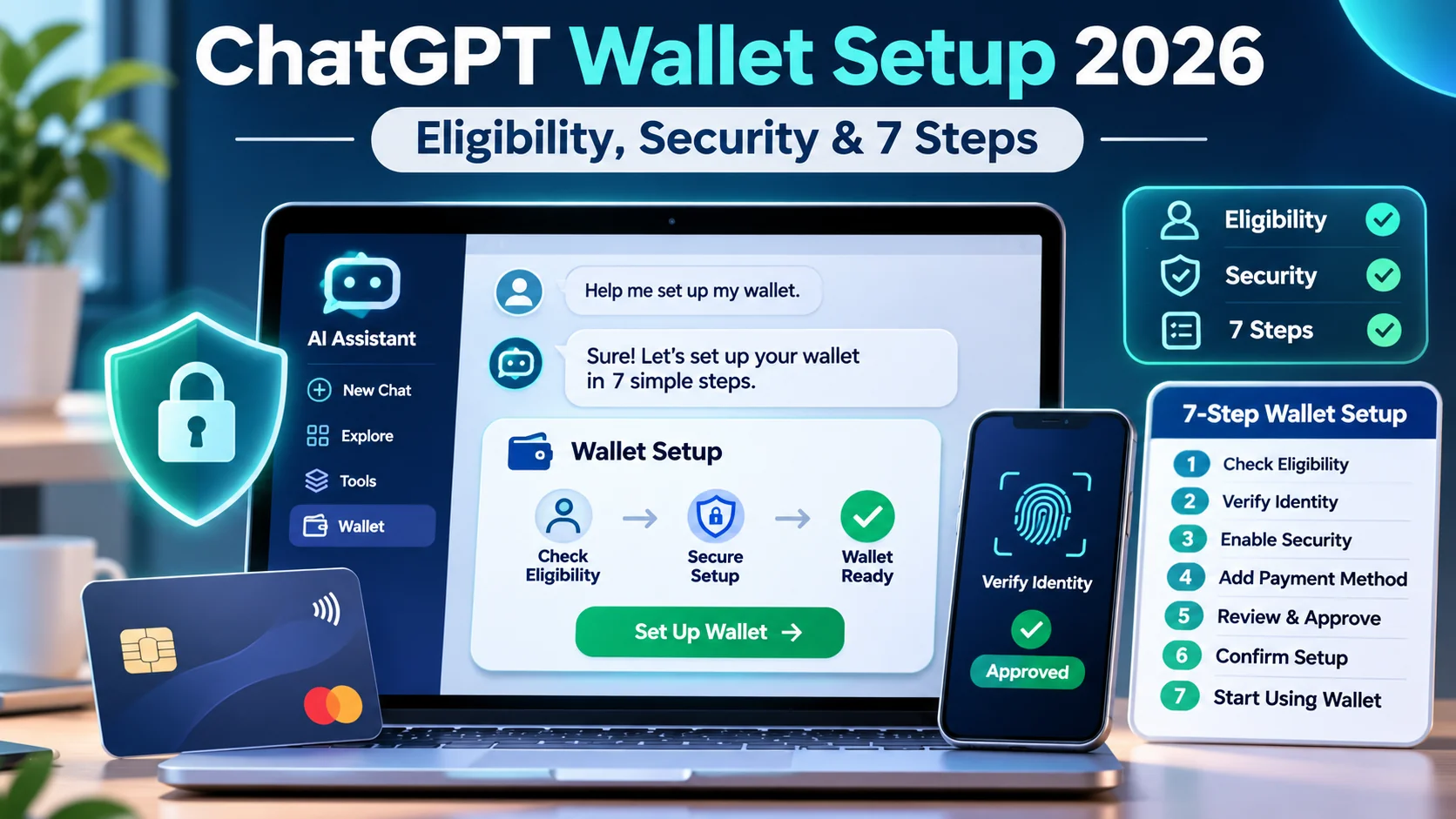
ChatGPT Wallet setup: ChatGPT Wallet setup became a new search question after OpenAI announced Wallet on November 13, 2026. It lets eligible people authorize an agent-assisted purchase without sharing their actual card number with the AI agent or merchant. It is not a checking account, and it is not available to every ChatGPT user. This guide explains the limited rollout, the approval sequence, failure cases, and the precautions worth taking before placing an order.
Quick Answer
As of November 16, 2026, Wallet is rolling out through dots to eligible ChatGPT Pro subscribers who are 18 or older, are in the United States, have a US billing address, and use an eligible US-issued card. Expect a security check such as Face ID or fingerprint for each purchase. A purchase is not complete until the merchant confirms the order.
At a Glance
| Launch date | November 13, 2026 |
|---|---|
| Current eligibility | US-based ChatGPT Pro users aged 18+ with eligible US-issued cards and US billing address; gradual rollout |
| Where it starts | Through dots, OpenAI’s personal agent; availability varies by account and supported merchant |
| Payment authorization | User reviews merchant, items, total and selected card and approves with a security check |
| What merchant receives | Payment credential/token for checkout, not the user’s underlying card details |
| What it is not | Not a bank account, stored-value wallet, credit line or universal payment shortcut |
ChatGPT Wallet Setup: How It Differs From Regular Checkout
ChatGPT Wallet is a payment credential and approval experience for eligible agent-assisted purchases. A dot can help research a product or service, navigate a merchant’s buying flow and bring the final purchase for your review. You approve the specific amount and card, after which the payment network generates a substitute credential. This reduces the need for an agent or merchant to handle your actual stored card number.
The merchant still processes the transaction and remains responsible for inventory, shipping, fulfillment, refunds and customer support. Wallet should not be described as an OpenAI marketplace or an escrow service. The user’s existing bank and card network continue to provide the protections available for qualifying transactions under their terms. Different merchants may have different policies for subscriptions, returns and cancellation, regardless of whether an agent helped check out.
Who Can Use ChatGPT Wallet in November 2026?
Eligibility is intentionally narrow at launch. OpenAI lists Pro subscribers aged at least 18 who reside in the United States, have a US billing address and hold an eligible card issued in the United States. Even an eligible user might not immediately see the feature because the rollout is gradual and merchant compatibility varies. A non-US account, unsupported card or unsupported merchant should not be treated as a bug that a browser extension can bypass.
Do not rely on screenshots or third-party tutorials that claim the feature is available globally. Plan and card eligibility rules can change, so check current official product guidance when setting up. A person outside the supported region can still research purchases and compare options in ChatGPT, but should use a normal checkout flow rather than attempting to circumvent payment region restrictions.
Step 1: Confirm Your Account and Supported Purchase
Start by confirming that Wallet is offered in your account’s dots experience, not merely reading a product announcement. Check your plan, age, country and billing details, then identify a merchant that supports purchases by an AI agent. Some sites may use a checkout flow or fraud screen that does not yet recognize agent activity. Having a card saved does not automatically make every retailer compatible.
Review the product or service carefully before attempting checkout. Check size, quantity, destination, delivery timing, refunds, applicable taxes and recurring charges where relevant. An agent can assist with comparison, but the buyer remains responsible for understanding what they are ordering. Do not let the convenience of a new payment flow replace the ordinary purchase decision.
Step 2: Ask Your Dot to Add a Card to Wallet
Open your dot and use the available Wallet setup flow to add an eligible card. OpenAI’s release notes describe starting by asking the dot to add a card. Only enter payment data in the secure card form supplied by the service. Never paste a complete card number, security code, bank password or one-time verification code directly into a normal ChatGPT conversation.
The card setup process may include verification by the issuer or payment partner. A temporary verification authorization can appear while a card is checked; that is different from an order charge. Follow the secure prompts rather than sending credentials to a third-party helper. If the card is declined as ineligible, use an eligible supported card or wait for official expansion rather than uploading card details into a chat.
Step 3: Review the Items and Total Before Approval
Once an agent reaches a purchase review, inspect the merchant name, exact products or services, quantity, full total and selected card. Confirm that the price still matches the product page and that shipping or subscription terms have not changed. A clear review screen is especially important when buying from unfamiliar sellers because product names can be similar and search results can surface sponsored merchants.
If anything is wrong, correct the cart or stop. For a subscription, check whether renewal happens automatically and whether the initial amount differs from the future rate. For a physical item, look for delivery address and the merchant’s return conditions. Never approve solely because the agent reports that the item is a good deal or because a countdown suggests urgency.
Step 4: Approve With Biometrics or Another Security Check
At launch, Wallet requires the user to review and approve each purchase using a security check such as Face ID or fingerprint. After approval, the payment network supplies a tokenized checkout credential linked to the selected card. Neither the agent nor the merchant needs to see the original card number for the transaction to proceed through the supported flow.
This is not the same as allowing an agent to spend unlimited money on its own. OpenAI has discussed possible future delegation with spending rules, but that should not be confused with the initial release. Keep device biometrics and account access secure, and do not approve a prompt you did not expect or that references the wrong merchant or total.
Step 5: Confirm the Merchant Actually Placed the Order
A successful Wallet approval is an authorization step, not proof that a merchant accepted the order. Wait for the merchant’s confirmation page or email, check the order number, and review the actual charge with your issuer. Some retailers may block an agent session or decline a tokenized payment through existing fraud screening. Treat an error or missing order number as incomplete until resolved.
If a charge appears without an expected order confirmation, contact the merchant and card issuer through official channels. Do not repeat a potentially successful transaction blindly, because duplicate purchases are possible in many checkout systems. Save the merchant confirmation, product listing and expected delivery date. A purchase record is also helpful if you later need to request a return.
Security, Card Privacy and What Tokenization Really Means
Tokenization means the actual card details are replaced by a credential intended for a specific payment workflow. It limits where sensitive card data needs to be exposed, but it does not make every merchant trustworthy or eliminate account takeover, phishing, fraud or delivery problems. Your account permissions, device security and ability to recognize a legitimate payment prompt remain important.
OpenAI’s Wallet terms distinguish the Wallet service from a bank or stored balance. Card rewards and existing protections may continue for eligible transactions, subject to issuer terms. Read the merchant’s privacy policy and checkout disclosures as well, particularly if the purchase includes personal or financial information that is unrelated to payment itself.
Troubleshooting: Wallet Missing, Card Rejected or Order Failed
If Wallet does not appear, first check rollout eligibility, account plan, age and region; a limited rollout may explain the absence. If card addition fails, confirm that the card was issued in the United States and that the billing address and issuer allow the use. Use the official secure flow rather than a workaround that asks for your complete card number in a chat.
If approval succeeds but checkout fails, verify whether the merchant accepts agent-assisted browser purchases. A browser session can be rejected by a risk provider even when the card itself is valid. Do not change security rules on your own website simply to make an agent pass a payment screen. Businesses should work with their payment service provider and fraud team to distinguish authorized agent purchases from malicious automation.
A Short Checklist for Businesses Accepting Agent Purchases
Merchants should keep product information, prices, returns and availability accurate and machine-readable. If a checkout is agent-assisted, risk systems need a way to recognize verified requests without removing protection against fraud. OpenAI’s launch guidance mentions Web Bot Auth, compatibility with existing payment infrastructure and payment-industry coordination as relevant areas to investigate.
Retailers should test an ordinary human checkout and a permitted agent flow separately. Track declined payments, abandoned checkouts and customer support reports without assuming all agent traffic is legitimate. A reliable customer experience also includes truthful stock levels, accessible confirmation pages, order emails and a clear human escalation route.
A Safe First-Purchase Test
Choose a low-risk, reasonably priced item from a reputable retailer you already know. Ask the agent to locate it, then verify the product URL, total price and seller. Follow the supported Wallet setup and approval prompts; check that the merchant issues a real order confirmation. Review the charge and fulfillment information just as you would after manual checkout.
Write down what worked and what failed without recording card credentials. If a site does not support the agent purchase, complete the order normally and revisit agent purchasing only after merchant support or the platform confirms compatibility. A repeatable, safe purchase is a better measure of Wallet usefulness than any promotional claim about frictionless checkout.
Related Reading and Official Sources
For background on responsible AI use, read AI fraud detection checklist and AI tool privacy checklist.
To compare tool-specific workflows, see Click Action AI browser-agent review and SuperPlug AI integrations review on our separate review site.
Primary sources: OpenAI Wallet launch announcement and Official ChatGPT Wallet terms. Features and eligibility above reflect those documents as checked on November 16, 2026; availability can change.
Google offers an equivalent setup through Gemini. Our Google Wallet in Gemini guide covers connecting it, setting budgets and the privacy settings to review first.
Frequently Asked Questions
Is ChatGPT Wallet free to everyone?
No. At the November 2026 launch it is rolling out through dots to eligible US ChatGPT Pro subscribers, age 18+ with eligible US-issued cards.
Does ChatGPT see my card number?
The supported Wallet flow uses tokenized payment credentials and a secure card form rather than exposing your original card details to the agent.
Do I still need to approve purchases?
Yes. The initial rollout requires a user review and security approval for each purchase.
Can I pay at any online store?
Not necessarily. Merchant checkout and fraud systems may not yet support agent-assisted purchases.
Does Wallet store money or issue credit?
No. It is not a bank account, stored-value account or credit product.
What if I approved but have no order confirmation?
Treat it as unresolved. Check the merchant account and card statement, then contact the merchant or issuer before retrying.
Final Takeaway
This is an independent educational guide, not a hands-on test or a promise of product availability. Confirm the current official requirements before acting. Prioritize safety, accurate information and clear customer expectations over shortcuts or speculative claims about traffic and sales.