
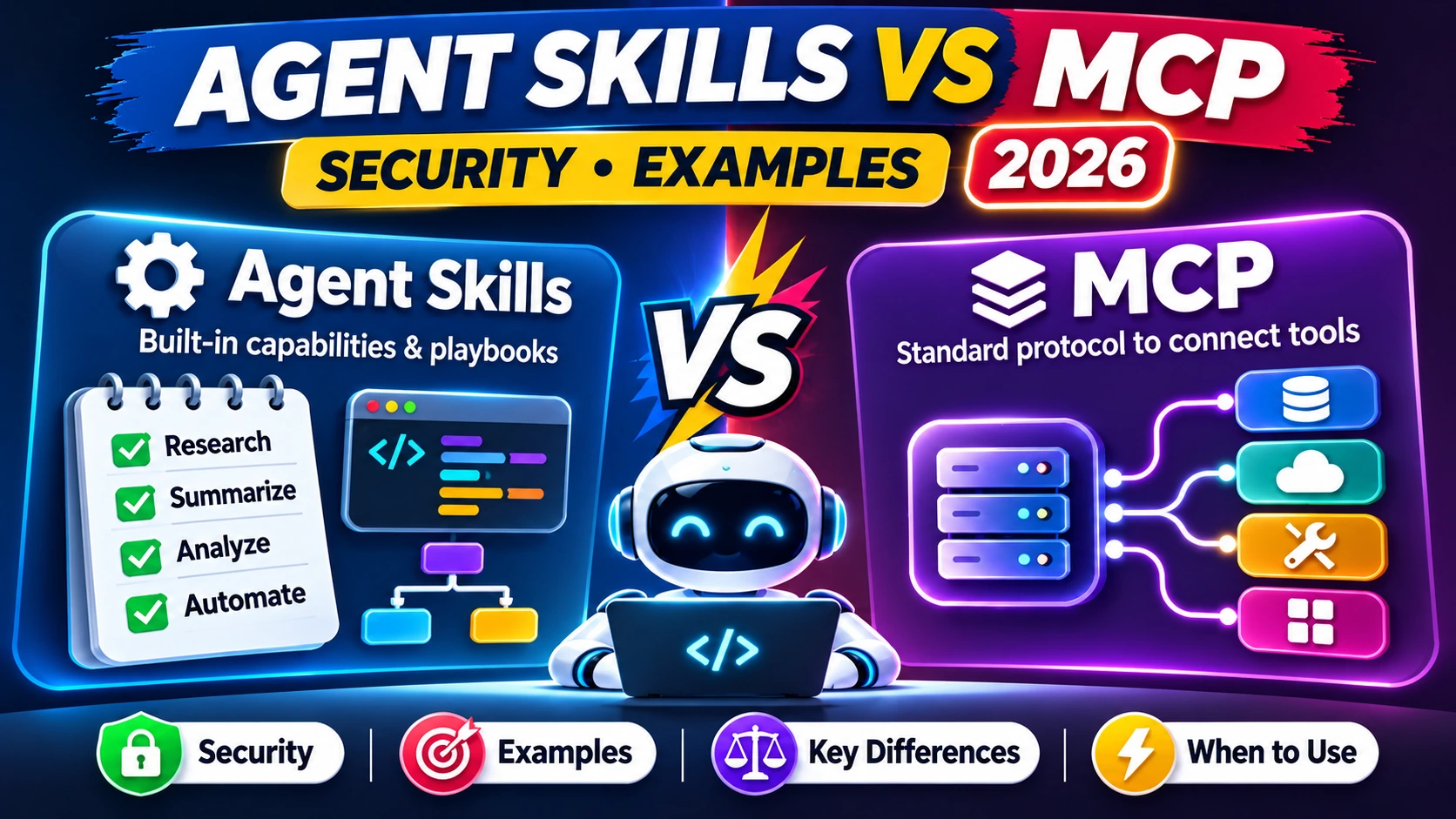
Agent Skills vs MCP in 2026: Should you give an AI agent a SKILL.md playbook, connect a Model Context Protocol server, or use both? This guide compares the two standards, explains the October 2026 Agent Skills announcement, includes a practical Skill example and provides a seven-day security-first test plan. The answer depends on whether you need reusable instructions, external data and actions, or both.
Last reviewed November 21, 2026. This article offers technical education, not a product security certification.
What are Agent Skills and MCP in 2026?
Agent Skills vs MCP is a practical architectural question for developers building useful AI agents. Agent Skills package task-specific instructions and supporting files into a reusable format. The Model Context Protocol (MCP) offers a standard way for an application to access external tools, prompts and resources. Put simply, a Skill can tell an agent how a reporting workflow should be performed; MCP can connect the agent to the information and operations required to complete it.
This comparison matters more in late 2026. Anthropic announced its donation of the Agent Skills standard to the Linux Foundation’s Agentic AI Foundation on October 22. Google’s open-source team later described joint stewardship alongside MCP. That shift does not make two different standards interchangeable. The standards address different layers of an agent system. Read the donation announcement and the Google open-source update for the organizational context.
A useful rule is to describe the job, the data and the authority separately. The job might be ‘prepare a weekly support-quality report.’ The data could live in an approved ticket system. The authority might be read-only access, with no permission to send a message or edit customer records. A Skill can encode the reporting method. An MCP connection can expose selected ticket data. The host application should enforce permissions independently.
Agent Skills vs MCP: quick comparison table
The core distinction is workflow guidance versus connected capabilities. Neither is automatically safer or better for every task. Compare them by the problem they solve and the controls you need to add.
| Question | Agent Skills | MCP |
|---|---|---|
| Primary purpose | Reusable task knowledge and instructions | Standardized interface to tools and resources |
| Typical artifact | Folder containing SKILL.md and optional files | Server exposing declared capabilities |
| When useful | Repeatable writing, QA, research and operational methods | Retrieving records or taking authorized actions |
| What it does not guarantee | Permission to use external services | A reliable business process or correct decisions |
| Key risk | Untrusted instructions or unsafe bundled code | Excessive tool permissions or leaking data |
| Best oversight | Review source and test sample runs | Least privilege, approvals, audit logs |
| Combined example | Document the monthly reporting process | Read approved sales metrics from a CRM |
The comparison is not a claim that every agent product implements either standard in exactly the same way. Hosts vary in what they load, which capabilities they support and how they handle authentication, scripts and sandboxing. Read the documentation for your particular agent runtime before assuming compatibility.
How Agent Skills work: folder, metadata and instructions
The open Agent Skills specification describes a skill directory containing a required SKILL.md file. That file begins with metadata such as a name and description, followed by the instructions. A skill can include additional references or assets, depending on the host’s support. This packaging is useful because teams can version instructions and review changes instead of pasting long processes into every conversation.
The following example is original illustrative content for a simple weekly report. It does not need API keys or remote access. In a file system, place this material in a folder named weekly-support-report and create a file named SKILL.md.
---
name: weekly-support-report
description: Summarize a weekly CSV of support tickets into a reviewable report.
---

# Weekly support report

1. Check that the uploaded CSV contains ticket ID, opened date, status, and category.
2. Reject rows with missing ticket IDs. Count and report missing values.
3. Group records by category and status.
4. Show totals, changes, and data-quality caveats.
5. Never invent customer quotes or metrics.
6. Produce a draft table and wait for human approval before distribution.
Notice what is missing: no hardcoded secret, no request to ignore other instructions and no authority to email customers. Those are deliberate limits. A skills file should explain the method clearly, including input validation, error handling and when to stop for human review. Code execution, file access and external service permissions depend on the host, not on a promise embedded in the description.
When a team has many skills, descriptive names and precise activation descriptions become valuable. Avoid vague entries such as ‘does everything for marketing.’ Use one skill for one repeatable outcome and document the required input, expected output and review steps.
How MCP works: resources, tools and boundaries
MCP lets a compatible client communicate with servers that advertise resources, prompts and tools. A resource could provide reference material. A tool could search an approved knowledge base, retrieve a customer record or run a specific allowed operation. A prompt can package a reusable interaction. These are protocol-level capabilities; MCP itself does not evaluate whether a final business decision is correct.
The July 28, 2026 MCP specification includes a stateless core and authentication-related improvements, among other changes. Those updates are relevant to implementations, but they do not remove the need for application-level policies. The business still decides which server, tool and operation an agent may use.
Consider an agent connected to a calendar. A read-only lookup of available times is different from permission to create, edit or delete events. Similarly, a customer-support integration that reads a ticket is different from one that can send a refund. The host and connected service should enforce those distinctions. Permission requests should be specific, revocable and proportionate to the task.
For early testing, provide synthetic records and a low-privilege account. Inspect which tools the server exposes, what arguments they accept, what information they return and how logs are retained. If an assistant asks to connect another account unexpectedly, stop and investigate rather than assuming the connection must be harmless.
Which one should you use? Seven common scenarios
1. Editorial checklist. A team wants every review article to include a fact-check, disclosure and formatting step. Start with Agent Skills. The business process is primarily instructions and documents.
2. CRM research. A sales assistant needs current records in a CRM. An MCP integration may expose selected read-only queries. Add a Skill if the assistant must organize results into a repeatable report.
3. WordPress publishing. A writing skill can define the outline, metadata and quality checks. Publishing to a real website requires authorized actions through a connected tool or API. Human approval remains appropriate before changing a public post.
4. Spreadsheet reporting. A Skill can standardize which fields, formulas and exceptions to inspect. An integration may fetch source data or write an approved destination sheet. Test each side separately.
5. Customer support. An agent may need a knowledge base and ticket context. Use restricted external access for the facts and workflow instructions for response quality. Customer-facing sending or refunds require stronger approval.
6. Coding and repository changes. A Skill can define a test-and-review procedure. Connected repository tools may read files, create branches or submit pull requests, subject to permissions. Do not grant production deployment authority just because a test workflow needs code access.
7. Local document summarization. If the host can read a user-provided local file safely and no other integration is necessary, a Skill alone may be enough. Avoid adding a network connector simply for convenience.
The Agent Skills vs MCP decision is therefore rarely a binary competition. Many capable systems use a Skill to describe how a task should be done and a tool connection to make necessary actions available. The more external authority involved, the more important the approval and audit layers become.
A practical architecture for a small business AI assistant
Imagine a ten-person agency that wants a weekly project-status summary. Team leads keep tasks in an approved project manager. An AI assistant may retrieve assigned tasks, describe blockers and draft a status memo. The system should not automatically email clients or change deadlines unless those actions are separately authorized.
- Map the objective: draft a weekly summary from authorized project information.
- Choose the data boundary: limit access to one project or workspace.
- Write a Skill: define fields, summary format, missing-data rules and editorial review.
- Configure the connection: expose read-only retrieval through an appropriate supported tool.
- Test failure cases: missing dates, contradictory status updates and expired permissions.
- Require approval: a responsible staff member checks the final summary before sending it.
- Record outcomes: save the final report, corrections and review date in an approved location.
This architecture limits the consequences of mistakes. If the Skill contains a bad reporting instruction, it may produce a poor draft, but it should not have the authority to modify customer records. If the connection fails, the Skill should explain that the required data is unavailable rather than creating fictional numbers.
For general agent design patterns, see our no-code AI agent guide and coding agents safety checklist.
Security risks: do not trust every skill or MCP server
A downloaded Skill can contain malicious instructions, unreviewed scripts or references that redirect a workflow. A third-party MCP server can expose overly broad actions, request credentials or return untrusted content. Both should be treated as software supply-chain components rather than inherently trusted productivity shortcuts.
Inspect the complete contents of any Skill before installing it. Check the publisher, repository history, required dependencies and any script or binary. Prefer a pinned reviewed version for important workflows. In your agent host, restrict execution to an appropriate sandbox and use permission prompts where available. If a skill requires an unexplained external URL or asks for secrets, investigate before enabling it.
For MCP, document the server owner, authentication method, tool list, scopes, accessible data, logs and revocation procedure. Where practical, use separate credentials for read-only and write workflows. Human approval should sit outside the model’s own reasoning for consequential operations. An agent saying ‘I approve this’ is not a sufficient security control.
Content returned from a website, email or document may contain instructions designed to redirect an AI assistant. Treat it as data, not superior authority. Review the OWASP prompt-injection guidance as a background reference. Our AI vendor risk assessment checklist adds privacy and procurement questions for third-party providers.
Agent Skills vs MCP: quick decision checklist
| Question | Likely direction |
|---|---|
| Do we need consistent instructions for an existing manual task? | Start with a Skill |
| Do we need live data from an approved external service? | Evaluate MCP or another secure connector |
| Will the agent act on behalf of a user? | Review authentication, least privilege and approvals |
| Does the process need both live data and a standard method? | Combine a Skill with a controlled connection |
| Can a failure harm customers or alter records? | Add independent approvals and audit records |
| Is the code or publisher unknown? | Review in isolation; do not install blindly |
If you can explain every connection and every action in one page, you are closer to having a manageable first deployment. If you cannot tell which account the agent is using or who may authorize its actions, the system is not ready for sensitive work.
Keep a short register of skills, servers and their owners. Review it when staff changes, integrations change, or the underlying standard is updated. The goal is predictable behavior and responsibility, not a maximum count of connected services.
A seven-day test plan for developers and operations teams
Day 1: define one use case with non-sensitive sample data. Describe an acceptable result and an unacceptable result. List who owns the outcome.
Day 2: create a minimal Skill for the workflow. Include validation, errors and an explicit point at which the agent must ask for approval.
Day 3: connect a sandbox or read-only MCP server if live external information is actually needed. Review its capabilities and requested scopes.
Day 4: test normal and failure conditions. What happens with missing fields, expired tokens, inconsistent records and hostile instructions in untrusted content?
Day 5: ask a second reviewer to inspect the Skill, connection settings and output. Fix any gaps without granting broader access.
Day 6: test data export, logs, permission revocation and recovery. Confirm that disabling the connection really stops the agent from using it.
Day 7: decide whether to approve a limited pilot. Record an owner, scope, monitoring process and next review date. Avoid a production rollout if critical questions remain open.
This trial can be short for low-risk work. More consequential applications may require substantially more time and specialist assessment. Do not mistake a passing demo for security certification.
Frequently asked questions
Is Agent Skills the same as MCP?
No. Skills primarily package repeatable task guidance and resources. MCP standardizes access to externally exposed tools and information. They can complement one another.
Can I use Agent Skills without MCP?
Yes, when the task does not require an MCP connection and the host supports Skills. A local document-processing workflow can sometimes work using only the files and permissions the host already has.
Do all MCP clients automatically support SKILL.md?
No. A compatible MCP client does not necessarily support the Skills format. Check the agent host’s documentation and supported features.
Which option is safer for customer data?
Safety depends on the actual deployment. Restrict data, review Skills, use least-privilege connections and require independent approval for consequential actions. Neither standard guarantees protection by itself.
Are Agent Skills now an open standard?
Anthropic announced donation of the standard to the Agentic AI Foundation in October 2026. Use the official specification for current format details rather than relying on screenshots of a product’s implementation.
Can Skills contain scripts?
Some hosts support referenced resources or scripts. Treat any executable code as untrusted until it passes appropriate review and testing. Do not assume the word Skill means instructions-only.
Final verdict: Skills describe, MCP connects
The simplest Agent Skills vs MCP answer is that a Skill provides an agent with a reusable method, while MCP provides standardized access to capabilities outside the conversation. An organization can use either, both or another integration method depending on the task.
Begin with one small, auditable workflow. Make the approved data boundary explicit, test failures, keep permissions narrow and put meaningful actions behind approval. That architecture is more valuable than collecting dozens of connectors or Skill files without a clear business purpose.
Editorial disclosure: This comparison is based on public specifications and vendor announcements as of November 21, 2026. It is not a claim that AI Review Dock installed, audited or benchmarked particular third-party servers.