
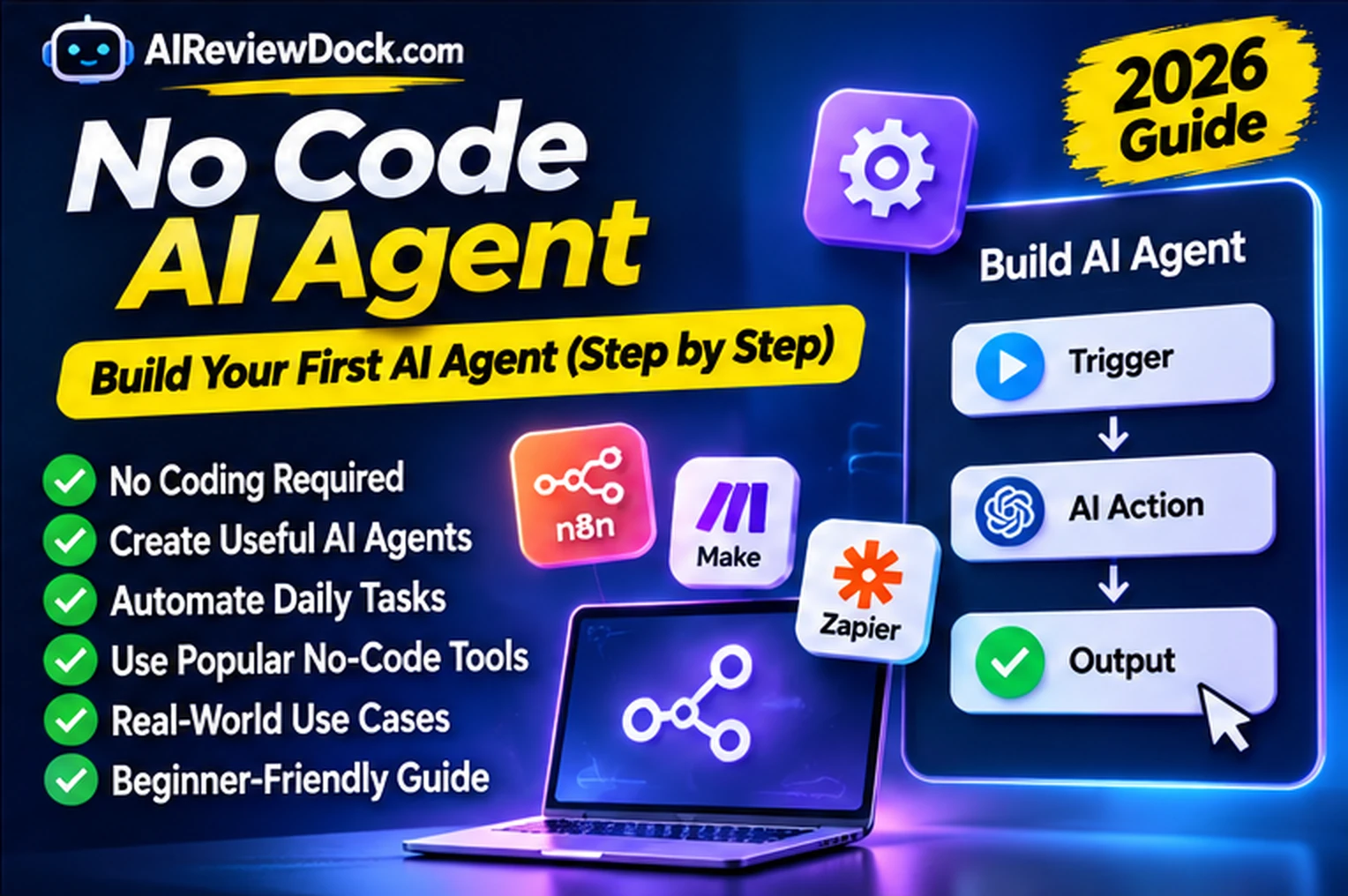
A no code AI agent can collect information, apply instructions, call connected tools and prepare an action without requiring you to write a traditional application. In 2026, no-code agent builders are easier to explore, but their safety depends on what data and permissions you connect. This guide shows a practical first project: an email-enquiry triage agent that drafts a response for human approval rather than sending messages automatically.
You do not need a complex agent to automate every step in a business. First, choose one repetitive task and decide whether simple rules already solve it. AI is helpful when incoming messages vary in wording or need basic classification and summarization. It is less suitable for exact calculations, payment authorization or compliance decisions unless additional deterministic checks are in place. The goal is a predictable workflow rather than a magical autonomous employee.
What is a no code AI agent?
A no-code AI agent is a configurable system that receives a task, uses an AI model to interpret information and may interact with connected tools. Builders typically offer forms or drag-and-drop interfaces for prompts, inputs, triggers, integrations, knowledge sources and outputs. A simple automated flow always follows predefined rules. An agent may decide which tool to call based on the incoming request. That flexibility brings uncertainty that must be tested.
Imagine a small service business receiving enquiries about appointment availability, pricing and custom requests. A no code AI agent can read the message, identify its category and produce a proposed reply. However, it should not invent an appointment slot, quote a price that is not in an approved price list or promise a refund. A person reviews the answer before it goes to the customer. That approval step is part of the design, not a sign of failure.
Popular building blocks for a no-code AI agent
| Block | Purpose | Control to add |
|---|---|---|
| Trigger | Starts the task from a form or inbox | Restrict which events launch a run |
| Instructions | Defines the task and allowed behavior | Give examples and clear stop rules |
| Knowledge source | Supplies approved business facts | Update versions and remove sensitive data |
| Tool actions | Reads or changes connected apps | Grant minimal permissions |
| Human approval | Checks outbound or destructive actions | Prevent unintended changes |
| Log and error route | Records decisions and failures | Redact confidential information |
For example, Zapier’s agent setup documentation describes instructions, connected apps, triggers and tools. Its documentation also notes an ongoing migration of its agent experience, so exact screens can change. Meanwhile, n8n’s human-in-the-loop guidance explains approving or denying selected AI tool calls. These are examples of implementation patterns, not an endorsement or a promise that every plan includes each feature.
Build your first no-code AI agent in 8 steps
Step 1: Define one narrow job
Use the instruction: “Read new website enquiries and produce a draft reply with the question category, required follow-up and missing information.” Do not start with “manage all my customers” or “run my business.” A narrow job is easier to evaluate. Define success as correct routing and a draft that your team can edit. Set a strict rule that the agent must not send messages, change prices or promise a booking on its own.
Step 2: Choose a trigger
A form submission or shared inbox label is a useful trigger because it provides structured input. Limit the trigger to a test form first. Use sample messages covering a standard enquiry, a vague question, a complaint and an attempt to manipulate the assistant. Decide what should happen if a message has no body, duplicate contact information or a missing sender address. A predictable trigger prevents accidental repeated runs.
Step 3: Connect only approved information
Create a short FAQ with services, opening information, supported locations and the phrases your business is comfortable using. Add a note that unknown facts must be flagged instead of guessed. Do not upload full customer databases to improve answer quality. If a document contains account numbers, passwords or personal records, exclude or redact them. The agent should operate from a small, maintained source of truth.
Step 4: Write instructions with explicit boundaries
A strong starter instruction is: “Classify the message as sales, support, billing or other. Summarize it in one sentence. Draft a polite response using only the approved FAQ. Never invent a price, discount, delivery date or availability. If unsure, ask a human for help. Do not send the draft.” Include examples of good and bad outputs. A model can still make mistakes, so instructions are only one safeguard.
Step 5: Configure the output structure
Ask the agent to return category, brief summary, confidence note, source used, proposed response and review status. Keep the output compact so a person can check it quickly. For a customer-facing workflow, remove irrelevant internal details and do not echo confidential source passages. If the system supports structured fields, map them carefully and test what happens when a field is blank or malformed.
Step 6: Put approval before action
Set the final destination to a draft record, review queue or email draft. If the platform supports human approval for tool calls, enable it for external messaging and all write actions. Never let the model approve its own output. The reviewer must be able to correct a wrong category or ask for missing information. Treat financial adjustments, deletions and customer data exports as separate high-risk actions that require stronger controls.
Step 7: Test at least ten different examples
Try common questions, misspellings, two topics in one message, an angry customer, a missing invoice number, a suspicious link and instructions that attempt to override the agent’s task. Evaluate routing accuracy, factual claims, tone, hallucinations and handling of unsupported requests. Do not count a draft as successful merely because it is fluent. Record what failed, improve the prompt or rules and retest the same examples.
Step 8: Launch slowly and monitor
Start with internal staff and low-volume traffic. Track reviewed drafts, time saved, escalations and failures. Keep a way to turn off the agent or revert to manual processing. Review credentials, usage limits, logging and privacy periodically. If your workflow connects more systems later, assess the additional permissions as a new risk rather than treating them as an automatic extension of the first approved design.
No-code agent example: input and safe output
Sample input: “Hi, I want to book a team lunch for Friday. Can you confirm the menu price and reserve ten seats?” Safe output: category: booking enquiry; summary: asks for team lunch pricing and reservation; missing information: venue, date details and approved prices; draft: “Thanks for your enquiry. We can confirm options after checking availability and current pricing.” The agent should not create a reservation unless a supported booking system confirms it and the workflow has explicit authorization.
No-code AI agent vs rules-based automation
A rules-based system is preferable when the task is deterministic, such as sending a receipt after a payment is confirmed or moving a form value into a spreadsheet. Add AI when wording varies or an interpretation step has a measurable benefit. Many successful systems combine both: fixed triggers and data checks surround a narrow AI classification step. Our seven small-business AI workflow examples provide other ways to pilot that approach.
For a specific no-code application example, our Google Maps AI Studio app guide outlines location-aware prototyping and the need to verify platform restrictions, API permissions and operating costs. Building a map interface is a different task from granting an autonomous agent access to private data.
How much does a no-code AI agent cost?
Compare four components: the automation platform plan, model/API usage, connected app subscriptions and the staff time spent reviewing the output. Some tools bill by runs, activities, tokens or enabled features. A large workflow that repeatedly calls a model can cost more than a simple support template. Build a small pilot and measure cost per correctly completed enquiry. Recheck the provider’s current pricing and whether your existing subscription actually includes the required actions.
Common mistakes and safety failures
- Connecting administrator accounts to an agent that only needs read access to one inbox.
- Letting the model invent prices, refund policies or appointment availability.
- Using confidential customer data in public examples or debugging logs.
- Treating text inside an email or external document as an instruction to the agent.
- Skipping test cases where the message is ambiguous, malicious or incomplete.
- Allowing expensive repeated runs without quotas, alerts or cancellation controls.
- Publishing a workflow before specifying who owns it and who responds to failures.
Frequently asked questions
Can a no-code AI agent work without any paid subscription?
Some builder and model tiers offer limited access, but feature availability changes. A working production setup may still require paid connectors, AI usage or a hosted environment. Confirm the current limits before committing to a workflow.
Is a no-code AI agent different from a chatbot?
A chatbot mainly exchanges messages. A no-code agent may also read structured sources, call approved tools and coordinate several steps. A product can combine both, but external actions require additional controls.
Should a beginner enable automatic emailing?
Begin with drafted replies. After your team has tested a representative sample and implemented reliable checks, you can consider carefully bounded automatic actions. For complaints, payments and sensitive cases, retain human review.
Final recommendation
Build your first no code AI agent as a controlled assistant, not an autonomous manager. One trigger, a small knowledge base, clear instructions, limited permissions and human review are enough to learn whether the system helps. Expand only when the pilot demonstrates accuracy and a measurable time benefit. Editorial review: November 1, 2026. Vendor interfaces, usage limits and capabilities may change.