
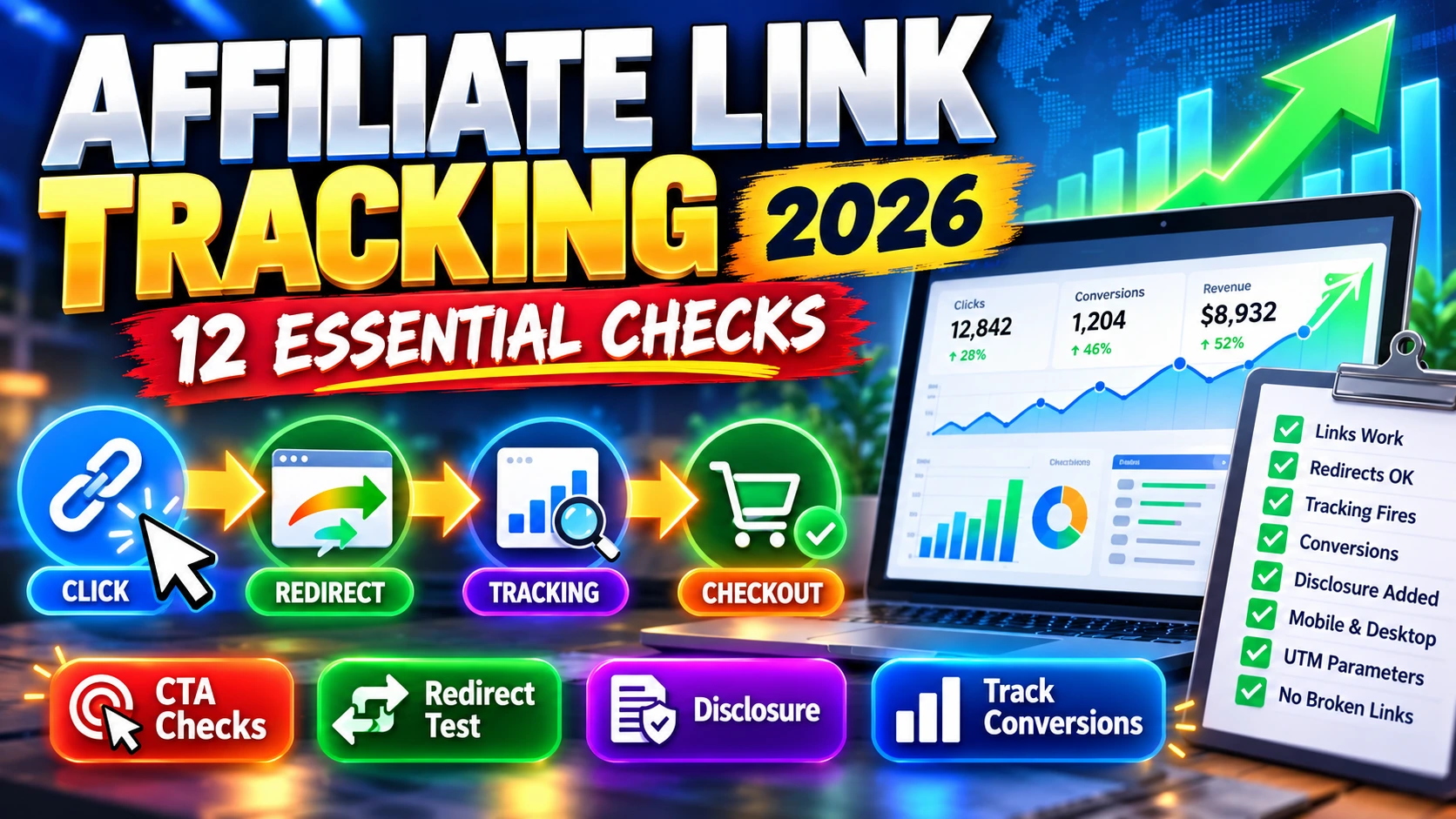
Affiliate link tracking in 2026 starts with one simple question: when a reader clicks your AI software review’s offer button, does the visitor reach the correct checkout through your approved referral link? A review can attract organic visitors and still fail commercially if a CTA uses the wrong product, a tracking ID disappears during a redirect, or an expired sales page breaks.
This practical guide explains how to test links for AI tool reviews, verify click reporting and avoid misleading conclusions about commissions. It applies broadly to product-launch platforms such as JVZoo and Launchpad, although each network has its own approval rules, tracking technology and reporting interface. The aim is to keep your work accurate and measurable—not to promise particular earnings.
First, a quick checklist: verify approval and destination, preserve the original affiliate URL, inspect redirects, check buyer disclosure, use the correct link attributes, test mobile CTAs, distinguish Google clicks from network sales, respect tracking-parameter rules, and repeat checks when a product or launch changes.
Affiliate Link Tracking in 2026: What Is Actually Being Measured?
To begin, an affiliate link is a special destination supplied by an advertiser or network to associate eligible visits and sales with a publisher. A click may travel through a redirect before reaching a product page. The exact method used for attribution—cookies, server-side records, identifiers, eligibility rules or a combination—depends on the program.
However, four measures answer different questions. Search impressions show that your pages appeared in Google results. Organic clicks show visits from Google to your site. Outbound clicks count tracked attempts to leave your site through a particular offer link. Attributed conversions are recorded according to the affiliate network’s rules and are not interchangeable with any of the other three. Google’s documentation on Search Console metrics and GA4 outbound clicks explains the first three parts of that measurement chain.
| Signal | Where to check | What it does not prove |
|---|---|---|
| Google impressions and search clicks | Search Console Performance report | That the visitor clicked an affiliate CTA |
| Outbound offer clicks | GA4 or your approved analytics system | That the affiliate network accepted a sale |
| Network-reported clicks | Authorized JVZoo/Launchpad reporting, if available | That every click is a unique or qualified buyer |
| Sales, refunds and commissions | The individual affiliate network’s reports | That revenue is immediately final or withdrawable |
The 12-Point Affiliate Link Tracking Checklist
1. Check that your account is approved for the exact product
For example, a product appearing in a marketplace does not necessarily mean every affiliate is approved. Open the network’s account interface, find the specific product and confirm its status before promoting it. For launches with bundles and upgrades, approval or allowed linking rules can differ by offer. Save the product title, merchant and status in your editorial log. Avoid using a competitor’s referral link or a plain vendor homepage as a substitute for your own tracking URL.
2. Copy the exact network-generated link
Next, use the network’s Get Link or equivalent feature, and preserve the full URL as issued. Do not construct a referral link from a product ID or assume another affiliate’s account identifier is yours. When saving it to WordPress, use the complete HTTPS destination in every CTA. Copy-and-paste errors can be subtle: a missing character, changed subdomain or partial URL can affect attribution.
For editors managing several launch offers, a small private spreadsheet with product, network, approved destination, review URL, last tested date and status is more reliable than scattered notes. Never put account passwords or private API keys into that log.
3. Inspect the destination, not merely whether it loads
Then open a permitted test click using a normal browser and check which offer and checkout it displays. A 200 response does not confirm a matching product; an offer can redirect to the wrong bundle, a vendor may rotate landing pages, or a launch may have ended. Compare visible product identity and the price terms with your article. Do not place test orders unless authorized; reading the final sales page is sufficient for a basic link-health check.
4. Diagnose redirects and temporary 403 errors carefully
In practice, some affiliate systems use one or more redirects for routing or attribution. Avoid automatically replacing the initial tracking URL with the final landing-page URL: the redirect may be essential to crediting your account. Similarly, a crawler-reported HTTP 403 could mean bot protection rather than a broken link. Try a normal visitor browser, different device and the network’s own guidance before labeling a link dead.
5. Verify every offer button, not just the first
For example, a product review may include four buttons: near the introduction, pricing, alternatives and final verdict. Test each button separately after editing or copying sections. When promoting the same offer, ensure all applicable CTAs use the intended approved destination. If buttons lead to different products or upgrade tiers, describe the distinction honestly. Never silently overwrite all outbound links across a website with one affiliate offer.
6. Add the correct Google link relationship
Importantly, Google recommends rel="sponsored" for advertising or compensated links. nofollow is also acceptable for identifying certain paid links, and multiple rel values may be combined. For a new-tab affiliate button, a typical HTML pattern looks like this:
<a href="YOUR_APPROVED_AFFILIATE_URL"
   target="_blank"
   rel="sponsored nofollow noopener noreferrer">
  Check Current Offer
</a>
The placeholder is not a working affiliate URL. noopener and noreferrer serve separate browser privacy/security purposes; they do not replace a clear disclosure. Review the official Google guidance on outbound links rather than relying on vague SEO plugin warnings.
7. Put an understandable commission disclosure near recommendations
However, a footer-only disclosure may be missed. A clear, short sentence near the beginning of a product review could say: “We may earn a commission if you purchase through links in this article.” Repeat an appropriately concise disclosure near isolated promotional blocks when needed. The FTC’s endorsement guidance says that “affiliate link” alone may not communicate compensation clearly enough to consumers. Laws and program requirements vary by audience and jurisdiction.
8. Test the mobile path and accessibility
Meanwhile, a good desktop CTA can fail on a phone because it is covered by a sticky banner, too small to tap or hidden behind a collapsed layout. Preview the review on narrow and wide screens, then activate each visible button. Confirm that the sales page opens correctly and that the link label explains what will happen. Buttons saying “Check Current Pricing” are more informative than generic text such as “Click Here.” Avoid false urgency or an invented discount badge.
9. Enable analytics without confusing clicks with commissions
For instance, in Google Analytics 4, enhanced measurement can record click events for outbound links. Google’s outbound click tutorial explains how to enable the feature and inspect link URLs in an Exploration. Some cross-domain measurement configurations are excluded from the default outbound definition. A site’s privacy and consent obligations still apply. Use the affiliate network’s own reporting—not GA4—to validate network-attributed sales.
10. Do not append tracking parameters without permission
Additionally, UTM parameters can help measure traffic arriving at a page you control, but adding them to an affiliate-network redirect is not automatically supported. Some networks allow a dedicated sub-ID or campaign parameter; others restrict changes to generated URLs. Start with the unchanged approved link and consult the network’s documentation before adding anything. Do not assume that a source label, UTM code or link shortener will be preserved across redirects.
11. Keep product terms and destination synchronized
Moreover, AI product launches change quickly: an initial price, discount, credit cap or money-back policy may only apply for a limited time. Review your article against the current sales page and adjust dated, verifiable claims. If an offer expires, update its CTA and explanations only after receiving a valid new destination. For guidance on how to assess upgrade pricing, see our AI lifetime deals versus subscriptions guide.
12. Keep an audit log and retest after changes
Finally, maintain the date you last tested each URL and what you observed. Recheck important links after a vendor relaunch, a review update, changes to WordPress buttons, migrations or affiliate-account notices. Prioritize pages getting clicks rather than running unreliable bulk replacements. A monthly spot-check is a useful starting routine for active articles, with additional checks around time-limited launches.
JVZoo and Launchpad: What to Verify Before Publishing a Review
JVZoo: Locate the approved product in the affiliate dashboard, collect its actual approved link, note any relevant offer or bundle distinctions and use the available reporting to check qualified performance. Its official developer documentation also describes affiliate status and statistics data, although API access is separate from normal account usage.
Launchpad: Use the unique affiliate link generated for your account and the correct offer. Promotional leaderboards and marketplace EPC figures may help with product research, but they are not your website’s earnings and do not establish that a specific review will convert. Confirm availability and seller terms before advertising bonuses or a discount.
In both cases, never borrow the tracking identifier from another publisher’s review. A reader does not need to know your internal ID; what matters is that the destination is accurate and the commercial relationship is disclosed.
A Simple Five-Minute Pre-Publish Test
- Open the article preview and inspect the main headline, date and disclosure.
- On desktop, activate all offer CTAs and verify each destination’s product identity.
- Repeat on mobile and confirm the buttons do not overlap other elements.
- Check a sample link’s HTML for its approved URL and
rel="sponsored". - Record the test date, intended network and any unresolved pricing differences.
For extra validation, if you have GA4 and an account-specific click reporting feature enabled, compare the next reporting window as an extra verification—not as a requirement to publish a genuinely useful review. Use our AI affiliate website builders checklist to evaluate the broader platform’s ownership, export and publishing controls.
Common Problems and What They Usually Mean
| Symptom | Useful first check |
|---|---|
| Offer button shows the wrong product | Compare the exact destination and the product-specific approved network link |
| Automated crawler reports 403 | Test in a normal browser before concluding the destination is broken |
| GA4 reports outbound clicks but zero commissions | Check eligibility, network attribution, visitor intent and reporting delay |
| Search Console impressions are rising but no affiliate clicks | Review search intent, article clarity, CTA placement and outbound click configuration |
| Tracking link opens but sales are not attributed | Contact the network, supply permitted transaction details and verify tracking rules |
| Old launch discounts are still mentioned | Recheck the seller’s current official offer and update the article accordingly |
Affiliate Link Tracking FAQ
Are all affiliate links bad for SEO?
No. Paid or compensated links should be identified appropriately, and genuine product reviews can be useful to readers. The concern is deceptive linking, manipulative practices and low-value pages, not the mere existence of a clear affiliate relationship.
Should every affiliate CTA have nofollow?
Google prefers sponsored for paid links and accepts nofollow as another qualification. Many publishers use rel="sponsored nofollow" together. The attributes do not guarantee ranking gains.
Do Google Search Console clicks equal affiliate clicks?
No. Search Console measures clicks from Google results to your pages. Offer-button clicks happen later and require separate measurement. Affiliate conversions are reported according to the network’s rules.
Can I edit my affiliate URL to add UTMs?
Only after checking the network’s rules. Some tracking systems permit sub-IDs or campaign labels; arbitrary URL modifications may fail or be ignored.
Is one disclosure in the footer enough?
Not necessarily. The disclosure should be noticeable and understandable near the endorsement. The FTC recommends clear and conspicuous explanations of material connections for applicable audiences.
Can a link still work after a launch finishes?
For example, sometimes it may redirect to an evergreen offer; sometimes pricing or checkout access changes. Verify the actual destination before continuing to promote it.
Related real-world tracking cases: Affiliate referrals and customer word-of-mouth programs need different attribution checks. Our separate ReferralNow buyer guide covers referral rewards, customer consent and fraud prevention. For a different type of tracking product, the LinkSpectre review explores affiliate link verification and suspicious clicks. Neither product substitutes for transparent disclosures or independently verified results.
Final Takeaway: Protect the Reader First
Ultimately, the best affiliate link tracking process starts before a page is published. Use the correct approved link, explain the commercial relationship, verify each destination and measure actual behavior without confusing traffic with revenue. A simple record of what you checked—and when—can prevent avoidable errors across a growing AI software review library.
Research method: This guide is an educational synthesis of Google’s Search Central and Analytics documentation, FTC endorsement guidance, and practical website quality-control methods. It is not a claim that any publisher’s actual JVZoo or Launchpad sales were accessed or audited. Reviewed October 2026.