
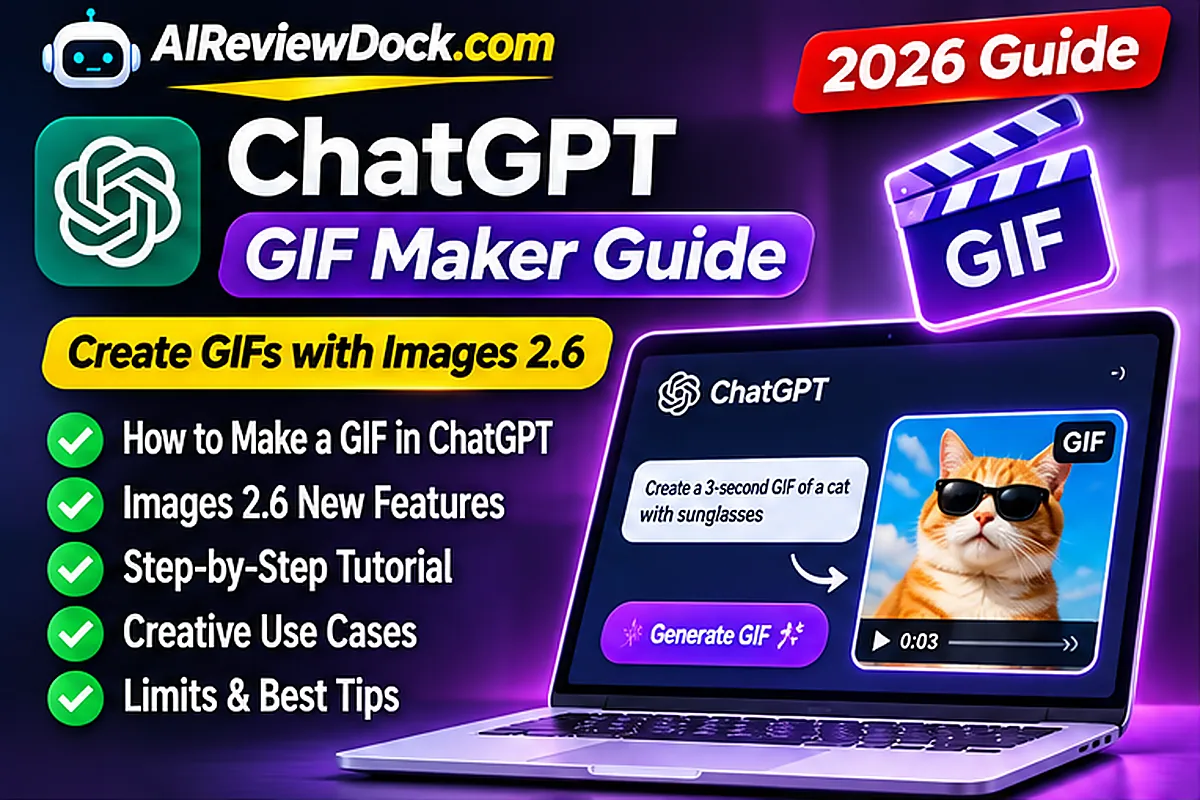
How to make a GIF with ChatGPT in 2026: OpenAI introduced animated GIF creation alongside its Images 2.6 release on November 4, 2026. Users can describe a loop, animate a permitted still image, refine the output and adjust playback speed. The capability is rolling out, so not every account will have identical controls immediately. This practical guide explains how to request a useful GIF, what can go wrong, and when a still image or video would be a better choice.
The challenge is more than adding motion to a picture. A subject must remain recognizable, the final frame should connect to the beginning and the resulting file should be suitable for its intended website, email or social application. Brand logos, product labels and important details also need human review because a polished-looking frame is not proof that the whole animation is accurate.
What changed in ChatGPT Images 2.6?
OpenAI’s official launch announcement describes GIF creation, faster image generation and greater consistency in iterative edits. Its Images help documentation explains how to request a loop, upload a still image, save a GIF and adjust its playback speed. The help page is the strongest source for current interface limitations, while the announcement provides the release date and broader creative examples.
How to Make a GIF With ChatGPT: Step-by-Step Tutorial
- Open ChatGPT and use the Images experience available to your account.
- Request a seamless looping animated GIF with one clear moving subject.
- Describe the intended action, visual style, background and fixed camera.
- Inspect the completed loop for continuity and unwanted visual changes.
- Request one targeted edit at a time and adjust speed where available.
- Save the file and verify how it plays in the intended application.
9 practical steps for better ChatGPT GIFs
1. Start with a short animated action
Open ChatGPT’s Images experience or a normal conversation and describe one moving subject. Specify the camera, background and a seamless looping motion. Asking for a ‘nice picture’ is not equivalent to requesting an animated GIF. A clear example is a fictional blue robot slowly waving its right arm against a stationary white background, then returning to the opening pose.
Practical test: save the original request, generate a small sample, and inspect the actual exported result rather than relying on a sales or social-media demonstration. A viewer should understand the purpose without needing to know how the file was made. If the motion changes important information or cannot be controlled reliably, simplify the scene and repeat the test with one fewer moving element.
2. Animate a permitted still image
OpenAI says the new workflow can animate a still image or sketch. Use source artwork you are allowed to modify, identify what must move and what must remain visually identical. This matters for brands because an unwanted alteration to a logo, product label or packaging could mislead viewers. Check several frames rather than trusting the first preview.
Practical test: save the original request, generate a small sample, and inspect the actual exported result rather than relying on a sales or social-media demonstration. A viewer should understand the purpose without needing to know how the file was made. If the motion changes important information or cannot be controlled reliably, simplify the scene and repeat the test with one fewer moving element.
3. Make the transition seamless
A repeated animation should finish in a pose that naturally connects to the beginning. Request matching initial and final positions with fixed lighting and camera. If the result jumps, simplify the movement or ask for smaller changes between frames. A calm wave, bounce or blink is often easier to verify than a long multicharacter scene.
Practical test: save the original request, generate a small sample, and inspect the actual exported result rather than relying on a sales or social-media demonstration. A viewer should understand the purpose without needing to know how the file was made. If the motion changes important information or cannot be controlled reliably, simplify the scene and repeat the test with one fewer moving element.
4. Control speed and pacing
Different uses require different motion speeds. A reaction GIF can be quick, while a looping website illustration is often more comfortable when slow. OpenAI’s updated help page describes playback-speed controls for generated GIFs. Exact menu locations may vary as the rollout continues. Preview the saved result on a phone to ensure it is not excessively distracting or visually harsh.
Practical test: save the original request, generate a small sample, and inspect the actual exported result rather than relying on a sales or social-media demonstration. A viewer should understand the purpose without needing to know how the file was made. If the motion changes important information or cannot be controlled reliably, simplify the scene and repeat the test with one fewer moving element.
5. Revise a generated result carefully
Request one change at a time, such as a slower wave or less background motion. Images 2.6 is advertised as better at preserving details during edits, but no model is perfectly consistent. Save working versions before significant revisions. If a face, logo or sign changes unexpectedly, return to the previous file or reduce the complexity of the requested animation.
Practical test: save the original request, generate a small sample, and inspect the actual exported result rather than relying on a sales or social-media demonstration. A viewer should understand the purpose without needing to know how the file was made. If the motion changes important information or cannot be controlled reliably, simplify the scene and repeat the test with one fewer moving element.
6. Understand existing GIF limitations
The official ChatGPT Images guide currently says the service cannot edit an animated GIF that a user uploads. Editing a GIF already created in ChatGPT is a different workflow. If you own an existing animated file and need frame-level corrections, use original frames or a conventional editor rather than expecting ChatGPT to import and modify it directly.
Practical test: save the original request, generate a small sample, and inspect the actual exported result rather than relying on a sales or social-media demonstration. A viewer should understand the purpose without needing to know how the file was made. If the motion changes important information or cannot be controlled reliably, simplify the scene and repeat the test with one fewer moving element.
7. Choose an appropriate file size
GIF files can become large when they contain many frames, colors or moving details. For a website, measure dimensions and file size before uploading. A short loop may work well in a help article, while a complex full-width animation may slow mobile browsing. Where appropriate, an optimized video or static image can communicate the same idea with less overhead.
Practical test: save the original request, generate a small sample, and inspect the actual exported result rather than relying on a sales or social-media demonstration. A viewer should understand the purpose without needing to know how the file was made. If the motion changes important information or cannot be controlled reliably, simplify the scene and repeat the test with one fewer moving element.
8. Consider copyright, consent and accurate depiction
Do not animate confidential images or recognizable people without appropriate permission. Inspect generated visuals for accidental copying or misleading changes. Our image copyright guide explains that permission to use an output is not identical to exclusive ownership. Advertisers should verify that a generated product image reflects the product that buyers will actually receive.
Practical test: save the original request, generate a small sample, and inspect the actual exported result rather than relying on a sales or social-media demonstration. A viewer should understand the purpose without needing to know how the file was made. If the motion changes important information or cannot be controlled reliably, simplify the scene and repeat the test with one fewer moving element.
9. Measure usefulness rather than novelty
Decide whether the GIF helps explain a concept, demonstrates a true product feature or simply adds personality. Compare it with a static version when evaluating a campaign, and consider engagement, loading speed and accessibility. AI motion is not a guarantee of better rankings or more sales. A restrained useful loop may outperform an elaborate visual that distracts from the main message.
Practical test: save the original request, generate a small sample, and inspect the actual exported result rather than relying on a sales or social-media demonstration. A viewer should understand the purpose without needing to know how the file was made. If the motion changes important information or cannot be controlled reliably, simplify the scene and repeat the test with one fewer moving element.
Four copy-ready GIF prompts
- Mascot: Create a seamless looping GIF of a friendly fictional blue mascot waving slowly. Keep the camera and background fixed, and return to the first pose.
- Product: Animate a subtle glow around this authorized product photo. Do not alter the item, label, packaging or color.
- Education: Animate a paper boat gently bobbing on water, with no changes to the boat’s shape.
- Reaction: Make an original round character blink in surprise and return smoothly to the opening expression.
Each example describes one simple motion that can be evaluated visually. For a marketing asset, check every frame for inaccurate text, unlicensed imagery or inconsistent objects. Avoid requesting dozens of unrelated movements in one short animation; a small scene gives more opportunity to assess whether the loop is stable and useful.
Should you use GIF, video or a still image?
| Format | Good fit | Main limitation |
|---|---|---|
| GIF | Short repeating illustrations and reactions | Can be a large file |
| Video | Detailed motion and longer explanations | Playback policies differ by platform |
| Static WebP | Fast article thumbnails and simple graphics | No movement |
Our AI image copyright guide covers commercial use and ownership, while the AI video ad guide offers a broader approach to testing creative assets. A GIF should complement useful text and not create unnecessary load delays on mobile.
Troubleshooting common issues
- Still image returned: confirm GIF rollout and explicitly request animation.
- Loop jumps: use smaller movements and matching starting and ending poses.
- Text distorts: avoid moving words and inspect all frames.
- Object changes shape: simplify the scene and emphasize design consistency.
- Uploaded GIF cannot be edited: consult the current product limitation and use source frames.
- File loads slowly: reduce motion complexity or use a suitable video format.
Prompt formula for more consistent animation
A useful prompt can be organized as subject, motion, fixed elements, loop and constraints. For example, identify a simple fictional character, ask for a gentle wave, keep the camera and background stationary, make the last pose match the first, and prohibit flashing text or unrelated objects. This provides clear priorities. If the system produces a distorted character, remove constraints that compete with one another and specify only the detail that matters most. A creator can compare two or three simple prompts without claiming that one phrase universally works for every model or image. The most valuable prompt is one whose result a human can verify and use.
Checklist before using a GIF in marketing
Review every part of a GIF before putting it in an advertisement. Ask whether the subject is recognizable, whether the movement implies a false product capability, whether logos and labels remain accurate, and whether the file is licensed for the intended channel. Check that captions are readable on a small phone and the loop does not obscure important information. If the animation represents a software dashboard, clearly label it a concept rather than a real product screenshot unless you captured actual output. Finally, record the original brief and approved design so an editor can correct future versions. Motion can attract attention, but commercial accuracy and user trust are more important than novelty.
Accessibility and mobile performance considerations
Some people find constant motion distracting, and large GIF files can make a page slower. When publishing to a website, consider whether a static preview and an optional play control would give readers greater control. Provide alternative text for the meaningful visual idea, and ensure the same instruction is available in ordinary text when animation is necessary to understand it. Check the final file on mobile data as well as a desktop connection. A GIF that looks good in an isolated preview can cause layout shifts or slow loading after being embedded in a complex WordPress page. Do not assume that generated media improves organic search rankings by itself.
Frequently asked questions
Can ChatGPT make GIFs in November 2026?
OpenAI introduced GIF generation on November 4 with Images 2.6. The feature is rolling out, so access may differ between accounts.
Can I animate a sketch?
Yes, the release describes animation from an existing still image or sketch, subject to availability and your rights to the source.
Can I edit an uploaded animated GIF?
The current ChatGPT Images help page says editing a user-uploaded animated GIF is not supported.
Can I adjust speed?
OpenAI describes opening a generated GIF and changing playback speed, then saving or sharing it.
Will a GIF automatically improve SEO?
No. A useful animation can support content, but page performance, accessibility and original information are still essential.
Final verdict
The new ChatGPT GIF maker is useful for short original loops when the creator supplies clear motion instructions and carefully reviews the output. The biggest practical constraints are the ongoing rollout, the difference between generated-GIF edits and editing uploaded animations, the risk of changing important visual details and file size. Use a small project first and judge the saved result on the device where viewers will actually see it.
Updated November 5, 2026. Source-based tutorial using OpenAI’s release announcement and help documentation; no independent animation benchmark is claimed.