
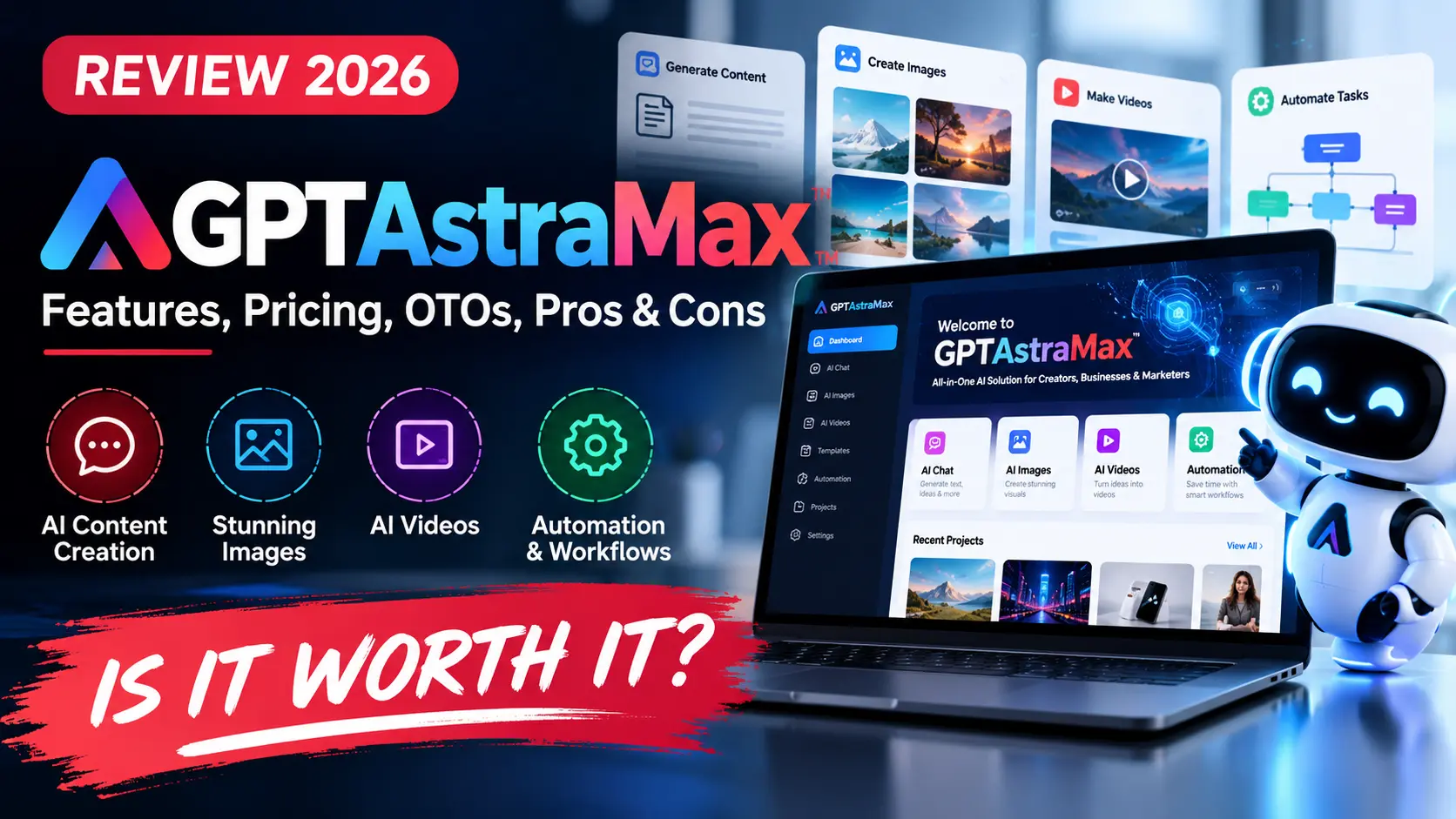
GPTAstraMax Review 2026: GPTAstraMax is positioned as an all-in-one AI workspace for people who want to research, write, build digital assets, create visual content, and handle business tasks from one dashboard. The offer is inexpensive at the front end, but the real buying decision is not simply whether $17 sounds cheap. It is whether the platform gives you useful output without forcing you into upgrades you do not need.
This is a research-based review. We reviewed current launch information, vendor claims, pricing references, publicly available product documentation, and the structure of the upgrade funnel. We do not claim hands-on testing where we do not have direct account access, and vendor claims are identified as such.
Quick verdict: GPTAstraMax is most interesting for freelancers, marketers, creators, and small agencies that want one AI workspace rather than a collection of disconnected apps. The low entry price makes the front end easy to evaluate, but buyers should pay attention to usage limits and the large OTO funnel before assuming the $17 offer represents the complete package.
GPTAstraMax Review 2026: Quick Overview
| Product | GPTAstraMax |
| Vendor | Pranshu Gupta / BizOmart |
| Product Type | All-in-one AI workspace and digital production platform |
| Launch | September 2026 |
| Front-End Price | Current launch references list $17; verify the live checkout |
| Main Appeal | Research, content, visual, website, funnel, and business workflows in one environment |
| Best For | Creators, freelancers, marketers, small agencies, non-technical operators |
| Main Caution | Broad model/access claims and upgrade costs should be checked against the current account and terms |
What Is GPTAstraMax?
GPTAstraMax is marketed as a centralized AI production workspace. Instead of opening a writing tool, a research tool, a visual generator, a website builder, and a separate business assistant, the platform aims to bring a range of those jobs into one environment.
The product is promoted around “GPT-6 Astra” plus access to a large collection of other AI models and workflows. That language sounds impressive, but model branding should not be accepted blindly. Buyers should focus on the outputs the account can actually produce, the limits attached to those outputs, and whether the platform performs consistently enough for real projects.
That practical distinction matters. A long model list is not useful if the workflow you need is slow, capped, or difficult to export. Conversely, a simpler platform can be valuable when it reliably completes the work you actually sell or publish.
Who Is GPTAstraMax For?
The platform appears designed for users who want AI to help with more than conversational answers. Typical use cases promoted around the product include research, content creation, visual assets, marketing material, digital products, websites, funnels, client deliverables, and business planning.
That positioning makes it relevant to solo marketers, freelancers, affiliate marketers, small agencies, coaches, creators, consultants, and people building online products. It may also appeal to non-technical users who want one place to start a project instead of stitching together several specialist applications.
GPTAstraMax Features Explained
1. Centralized AI workspace
The biggest practical benefit is consolidation. One workspace can reduce tab switching, repeated prompting, file transfers, and subscription management. For people doing several small tasks every day, that convenience can matter as much as raw model performance.
2. Research and content workflows
GPTAstraMax is promoted for research, writing, planning, and producing longer digital assets. This can support blog drafts, reports, campaign ideas, product outlines, scripts, and client research. Any factual output should still be checked before publishing because AI-generated content can contain unsupported statements.
3. Visual and media creation
Current launch coverage describes visual-generation features alongside broader content tools. Some third-party coverage also reports front-end limits on visual generations, which is an important detail to verify in the current buyer account before purchasing specifically for high-volume visual work.
4. Website and funnel creation
One of the more commercially interesting angles is the ability to help create online assets such as websites, landing pages, funnels, or related marketing materials. For freelancers, the question is whether the generated output is editable, exportable, mobile-friendly, and practical to maintain after delivery.
5. Commercial-use positioning
GPTAstraMax is marketed with commercial-use rights for outputs. That can matter to freelancers and agencies, but commercial rights should always be read together with the current license terms, model-provider rules, and any restrictions on resale or client use.
6. Multi-model access
The product is sold as a broad AI hub rather than a single-model assistant. That may be useful if you like switching approaches without maintaining separate subscriptions. Still, access to a model through an aggregator is not automatically equivalent to owning a direct subscription with the original provider.
GPTAstraMax Pricing
Current launch references list the front-end at approximately $17 one time. That is a low entry price for a multi-tool AI platform, but it is only the start of the funnel. Buyers should not confuse the headline price with the cost of every available upgrade.
A checkout bump around $9.97 has also been reported in launch coverage. As with any launch product, prices and coupon availability can change, so the live checkout is the final source of truth.
GPTAstraMax OTOs: What the Upgrade Funnel Looks Like
Current launch coverage consistently describes a large upgrade funnel. Reported options include Unlimited, Done-For-You resources, Automation, a Profit System, Business Accelerator features, Agency tools, Reseller rights, and White Label rights.
The existence of many OTOs is not automatically a problem. The problem comes when buyers assume every upgrade is required. Most users will not need agency, reseller, and white-label rights at the same time.
OTO 1 – Unlimited
This is the upgrade most likely to matter to heavy users because it is positioned around removing or increasing front-end usage limits. If you hit a real limit in your workflow, this is the kind of upgrade that can have practical value.
OTO 2 – Done For You
DFY packages are usually about reducing setup time through templates, campaigns, or prebuilt resources. They can save time for beginners, but experienced users may prefer creating their own materials.
OTO 3 – Automation
Automation is useful when it removes repetitive steps. Before buying it, identify exactly what can be scheduled or automated and whether those actions match your actual workflow.
OTO 4 and 5 – Profit / Business Growth Resources
These upgrades are generally positioned around monetization and business-building material. Remember that software does not create customers by itself. Client acquisition, positioning, offer quality, and execution still matter.
OTO 6 – Agency
Agency functionality makes sense only if you are managing multiple clients or need account separation, client workflows, or team-oriented features.
OTO 7 and 8 – Reseller / White Label
These are business-model upgrades. They are relevant to someone who specifically wants to resell or rebrand software, not a normal buyer who simply wants to use the AI tools.
Our buying rule is simple: do not buy an OTO until you can explain, in one sentence, what problem it solves for you.
GPTAstraMax Front-End Limits: What to Verify
Several current reviews report that the front-end includes limits on some visual-generation activity and that the Unlimited upgrade expands or removes those limits. Because these details can change as the vendor updates the offer, verify the current account limits before purchasing.
This matters because a buyer who mainly wants writing and research may be perfectly comfortable on the front end, while someone creating many graphics or client assets may hit usage limits much faster.
For this GPTAstraMax Review 2026, we consider the front-end attractive only when its included limits match your intended workload. A cheap plan is not a good deal if the first real project immediately requires an expensive upgrade.
GPTAstraMax Pros and Cons
Pros
- Low entry price: easier to evaluate than many monthly AI subscriptions.
- Broad workflow coverage: useful for users who create different types of digital assets.
- Centralized workspace: can reduce the friction of moving between several apps.
- Commercial-use positioning: potentially useful for freelancers and small agencies.
- Research + creation in one environment: helpful when a project moves from idea to deliverable.
- Upgrade path for heavier users: limits can potentially be expanded if your usage grows.
Cons
- Large OTO funnel: the total cost can rise significantly beyond the $17 front end.
- Front-end usage limits may matter: verify them before relying on the platform for heavy visual work.
- Broad model claims need context: an aggregator is not the same as a direct subscription to every original provider.
- New-product risk: long-term stability, support, and model availability are more important than launch hype.
- Income examples are not guarantees: earning from client work still requires sales, positioning, and delivery skills.
GPTAstraMax vs Using Separate AI Tools
Separate specialist tools usually win on depth. A dedicated video platform may offer more advanced timeline control. A dedicated image platform may provide better consistency tools. A direct model subscription may expose features that an aggregator does not.
GPTAstraMax competes on convenience and price. If one workspace can handle 70–80% of the tasks you perform every week, the time and subscription savings can be meaningful even if specialist software remains better for advanced jobs.
That is why the right comparison is not “Does GPTAstraMax beat every AI tool?” The better question is “Can GPTAstraMax replace enough of my current workflow to be worth the price?”
You can browse more AI Tool Reviews, compare categories in our AI Tools section, and watch current promotions on the AI Software Deals page.
If you are weighing other all-in-one AI workspaces sold through the same kind of launch funnel, our Unlimited AI review looks at a comparable front-end offer and the upgrade path behind it.
Who Should Buy GPTAstraMax?
Good fit: freelancers producing mixed digital assets, marketers who want one workspace, small agencies testing AI-assisted delivery, creators building multiple content formats, and budget-conscious users trying to reduce subscription sprawl.
Less suitable: teams that need enterprise-grade guarantees, professionals dependent on one specialist creative application, buyers who need direct provider support for a particular model, and people expecting the software to generate income automatically.
Is GPTAstraMax Legit?
GPTAstraMax is a real launch product associated with Pranshu Gupta / BizOmart and has been covered across multiple current software-review sites. The better question is whether its capabilities match your expectations.
We would judge legitimacy through practical factors: working account access, usable outputs, clear license terms, responsive support, functioning exports, and a refund process that matches the advertised policy. Marketing phrases such as “future models,” “AGI,” or “one command does everything” should be treated as positioning until you see how the platform performs with your own tasks.
GPTAstraMax Review 2026: Final Verdict
GPTAstraMax is an interesting low-cost option for people who value breadth and convenience. The front-end price makes it easy to test, and the all-in-one workflow can reduce the number of separate tools a creator or freelancer has to manage.
The main caution is the funnel. Do not evaluate the platform as though every OTO is part of the $17 purchase. Start by deciding whether the front end handles the work you actually need. If you hit a genuine usage limit, then compare the cost of the relevant upgrade against the specialist tool it would replace.
Our preferred approach is to start small, test real client-style tasks, review the current usage limits, and expand only when the upgrade has a measurable purpose. That is a more reliable decision than buying the entire stack because of launch urgency.
Affiliate disclosure: Some links in this GPTAstraMax Review 2026 are affiliate links. AI Review Dock may earn a commission if you purchase through them, at no additional cost to you. Affiliate relationships do not guarantee positive coverage.
GPTAstraMax FAQ
What is GPTAstraMax?
GPTAstraMax is marketed as an all-in-one AI workspace for research, content creation, visual work, websites, marketing assets, and other digital production tasks.
How much does GPTAstraMax cost?
Current launch coverage lists a front-end price around $17. Optional upgrades cost extra, and live pricing can change.
Does GPTAstraMax have OTOs?
Yes. Current launch coverage describes upgrades for Unlimited access, DFY resources, Automation, business tools, Agency features, Reseller rights, and White Label rights.
Do I need GPTAstraMax Unlimited?
Not necessarily. It is most relevant if the front-end usage limits interfere with your real workflow. Test the core version first whenever possible.
Is GPTAstraMax good for freelancers?
Potentially. Its broad workflow and commercial-use positioning are relevant to freelancers, but output quality, license terms, and account limits should be checked before promising client deliverables.
Is GPTAstraMax worth it?
It can be a good-value entry point for users who want multiple AI workflows in one place. It is less compelling if you already rely on specialist tools and do not need the broader feature set.