
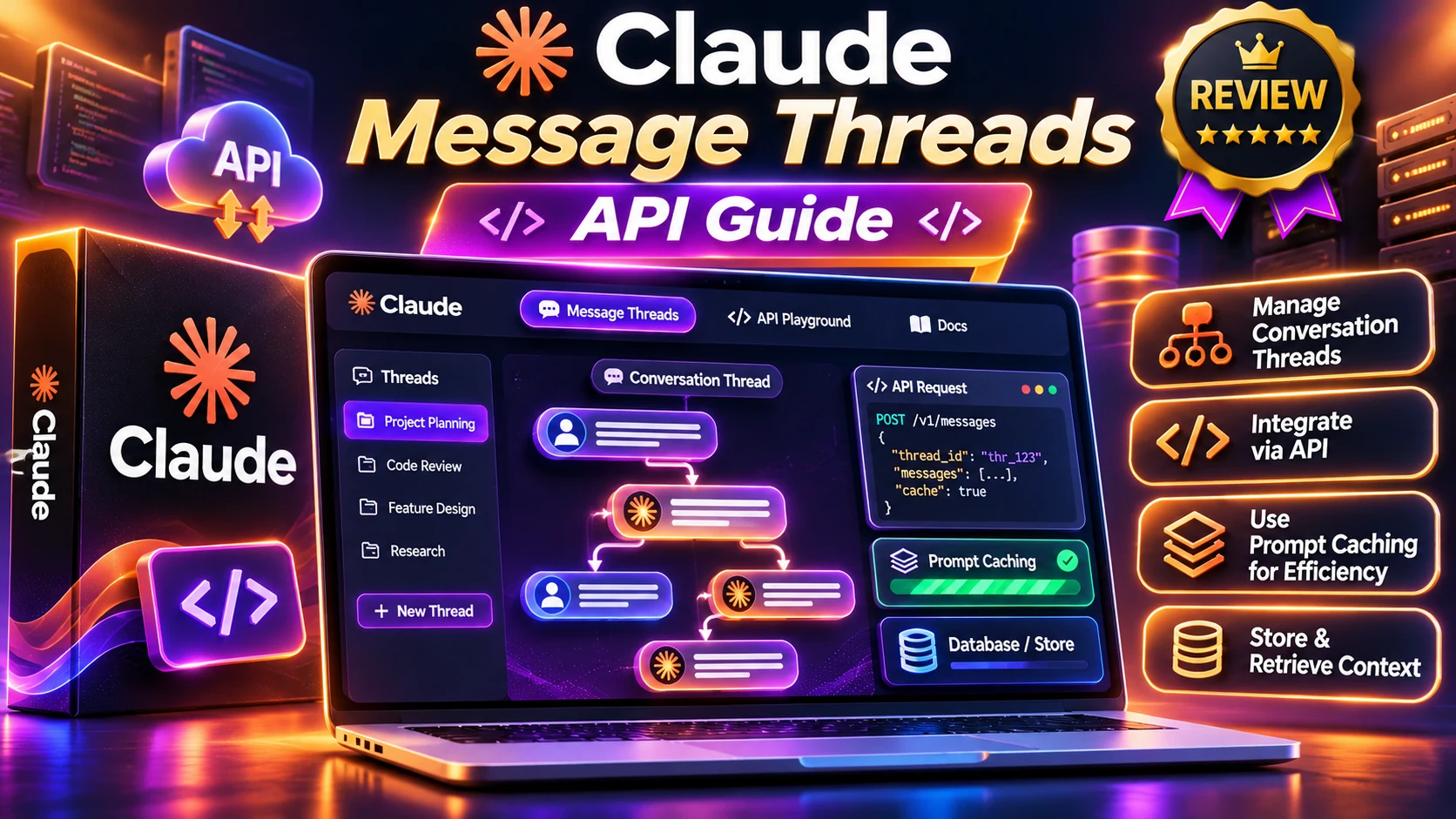
Claude message threads are a beta capability of Anthropic’s Messages API that can reduce the request payload and time to first token in long agent conversations. Instead of resending every old message, a developer starts a thread once and sends only new messages plus the previous response ID. The convenience comes with strict consistency rules, short expiry and data-retention limits. This guide is for developers evaluating the tradeoffs, not a claim that thread storage reduces token billing automatically.
Research note: Official vendor documentation reviewed November 7, 2026. This is an independently written educational guide, not a hands-on benchmark. Features and account entitlements can change.
Claude message threads: quick facts
- Create a thread with the full initial conversation.
- Continue by sending only new messages and the previous response ID.
- A thread can expire five minutes after its last request, requiring replay.
- Prompt caching remains separate; shorter API payloads do not automatically mean lower billed model context.
Claude message threads: key details at a glance
| Rule | Current documented behavior | Development implication |
|---|---|---|
| Release status | Beta | Check the beta header and API documentation |
| Create | Send full conversation and thread=create | Start only when you can retain a replay transcript |
| Continue | Send new messages and previous response ID | Keep message IDs in order |
| Expiry | 5 minutes after last request | Implement a fallback that can rebuild context |
| Deletion | No more than 1 hour after last use | Not a permanent conversation database |
| Privacy | Not eligible for ZDR or HIPAA handling | Review the data classification before use |
| Billing | Cache is separate | Measure token usage, not only bytes sent |
What are Claude message threads?
Traditional multi-turn calls to Anthropic’s Messages API are stateless: each request sends the relevant conversation history to the model again. That can add network upload and input processing overhead for long-running assistants. Message threads are a beta option that lets the server temporarily remember the conversation so later requests can send only their new messages.
The server reconstructs the earlier conversation before invoking the model. That means a developer’s request becomes shorter, but Claude still has the context of previous turns. Message threads are designed for ongoing agent loops that make many sequential tool and model calls rather than for archiving years of customer conversations.
Anthropic’s documentation lists the beta header as message-threads-2026-08-12 and describes a five-minute expiry from the last request. It says stored thread material is deleted no more than one hour after the last use. This is temporary convenience storage, not a replacement for your own application state.
How message threads work: create, continue and replay
On the first request, send the complete conversation together with the system prompt, any tool definitions and a thread object with type create. The response includes an ID. Save that response ID together with your app’s authoritative conversation transcript.
On a follow-up request, send only messages added since the previous response, with a thread object whose type is continue and whose previous_message_id matches the most recent thread response. Do not resend system and tool definitions on a continuation; the thread retains them from creation.
If the server cannot find the thread, the next request may fail with 404. Anthropic’s SDK helper can replay the full history and begin a fresh thread for selected thread errors. If you are implementing the raw API, you need equivalent replay logic. Do not discard the original conversation because the thread exists.
Claude message threads: setup checklist
1. Confirm that the selected Claude model and platform support the beta capability. Keep the official documentation open because beta request syntax can change.
2. Decide what your application will store independently: user messages, assistant replies, tool outputs, system policy, tool schemas and response IDs. Persistent storage belongs to your app, not to a five-minute thread.
3. Send a create request using the documented beta header. Include the full prompt history, model and tools as appropriate.
4. Persist the returned response ID and record a timestamp for the last successful turn. The timestamp is advisory; the server decides whether a thread is still available.
5. Send continuation requests with only new messages and the latest response ID. Keep fixed parameters consistent across turns.
6. Catch errors and create a new thread from your local transcript when recovery is needed. Avoid replaying a side-effecting tool action twice; add idempotency checks for payments, emails or writes.
7. Add metrics for request size, first-token latency, usage, cache hits, 404 recovery and user-visible failures. Test a simulated pause longer than five minutes.
What changes and what must stay the same?
Anthropic describes fixed settings that must match between requests, including model, tool choice, thinking, context management, output configuration, and the set of beta headers. Changing one may trigger a thread_fingerprint_mismatch error. By contrast, max_tokens, stop sequences and selected metadata fields can vary.
The system prompt and tools are create-only fields; sending them again during continuation can produce a 400 error. Certain resource handles, including MCP authorization tokens or container references, must still be supplied as required because the thread does not persist every external credential or URL.
Plan for these distinctions in your SDK wrapper. A helper object that owns the thread state is safer than scattering continuation IDs across multiple asynchronous components. If your code branches into two possible next messages, start separate threads rather than trying to continue the same message ID in two concurrent directions.
Message threads versus prompt caching
These two features solve different problems. A thread reduces how much conversation history your client resends. Prompt caching lets Claude reuse a processed prefix, which can reduce repeated input processing costs. Anthropic explicitly notes that threads do not automatically cache prompts; a developer must still enable cache_control where appropriate.
Consider a long customer-support conversation with stable policies and tools. Threads may reduce network overhead as turns accumulate, while caching can reduce the cost of reading the same stable context. Use both only after checking whether a given account and workflow supports them. Measure actual input and cache-read tokens instead of assuming any change in cost.
For workflows that resume hours later, a thread will likely be gone. Your stored conversation summary, source records and durable application state should allow a fresh request. A thread is an optimization layer, not the source of truth.
Privacy, security and reliability tradeoffs
Anthropic labels this beta feature as not eligible for Zero Data Retention and not HIPAA eligible. Teams with strict data retention agreements or regulated workloads should not treat the word ‘temporary’ as sufficient authorization. Review the service’s current terms with your compliance and legal teams before using personal or sensitive records.
Stored messages are described as encrypted in memory under a server-managed key, not written to durable storage, and deleted within the stated hour-long bound. That does not mean every integration, connected tool or your own logging system inherits the same treatment. Inspect the entire data flow.
For reliability, test parallel users, expired IDs, canceled requests and side-effecting tools. A recovery path should restore useful conversation context without duplicating a refund, appointment booking or other external action.
When should you use Claude message threads?
Threads are a strong candidate for multi-step development agents, research workflows and support sessions that involve many requests close together. The larger the transcript and the shorter the time between turns, the more meaningful a reduced request payload may become.
They are less compelling for a chatbot receiving one short question per day, a batch process that changes its model or tool policy frequently, or a service that requires ZDR eligibility. In those cases, stateless Messages API calls with a well-designed context and cache strategy may be simpler.
A fair decision uses a benchmark: run the same task with standard calls, with caching alone, and with threads plus caching. Compare time to first token, total billable usage, error recovery, request payload and implementation complexity.
Claude message threads: frequently asked questions
How long does a Claude message thread last?
Anthropic documents expiry five minutes after its last request and deletion within one hour of last use.
Do Claude message threads reduce API cost?
They reduce retransmission and can improve time to first token. Prompt caching is a separate mechanism; don’t assume lower billed context simply because your request is smaller.
What happens when a thread expires?
A continuation can return 404, and the application should recreate context from a saved transcript or use the SDK’s replay helper.
Can threads store conversations permanently?
No. They are short-lived and should not be used as your application’s permanent conversation store.
Are message threads suitable for HIPAA or zero-data-retention use?
Anthropic currently lists the beta as not eligible for HIPAA and not eligible for Zero Data Retention.
Claude message threads: final recommendation
Choose the smallest real test that answers your question, check availability and current terms in the official source, and review the result before committing money or sharing personal data. This Claude message threads guide will need updating if the vendor changes its availability, pricing or documented limitations.
Sources and further reading
Official references: Anthropic’s message-threads documentation and Anthropic’s caching and cost guidance. These describe the vendor’s announced product capabilities and limitations; we do not present vendor demos as independent testing.
Related educational guides on AIReviewDock.com: AI API token and caching cost guide and safe coding agents guide.
For a separate look at commercially marketed tools, see AIReviewDock.online: ClaudeX 5.5 plan and limit checks and NEURA AI model access review. These reviews are distinct from this educational article.