
AI use policy template for employees (2026): If staff use ChatGPT, Claude, Gemini, Copilot or AI tools built into ordinary business software, a short acceptable-use policy can clarify which tasks are allowed, which information is off-limits and who checks the work. In addition, below is a free copy-and-edit policy, an approved-tools register and a realistic 30-day rollout plan.
Editorial note, updated November 19, 2026: This is operational guidance for small teams, not a legal opinion or a guarantee of compliance. Validate the requirements that apply to your sector and location.
What is an AI use policy, and who needs one?
An AI use policy template is a reusable set of workplace rules that specifies which AI tools employees can use, what data they can share, who checks AI-generated work and how problems are reported. For example, for a small business, the best starting policy often fits on one or two pages. It should be simple enough for a new staff member to follow during a normal working day.
Moreover, generative AI has reached everyday tasks such as drafting emails, summarizing meetings, writing code and preparing presentations. However, those uses can save time, yet they may involve customer details, confidential documents, copyrighted material or inaccurate recommendations. A policy provides a consistent answer before someone pastes sensitive information into an unfamiliar assistant.
In addition, this guide is designed for small teams, founders, operations managers and agencies. In addition, it is a general operational template rather than a claim of legal compliance. Sector rules, contracts, labor laws and privacy obligations may require additional controls. Review the examples with your legal or security adviser when regulated data or high-impact decisions are involved.
Six decisions to make before copying the template
First, name a policy owner. For example, for a team of ten, this might be an operations manager rather than a formal AI officer. The owner keeps an approved-tool register, answers employee questions and reviews new requests. Second, define what counts as an AI tool. Include standalone chatbots, built-in assistants, transcription services, code assistants, automated agents and AI features hidden inside business applications.
Third, define approved uses and banned uses by task, not just software brand. For example, A tool may be acceptable for drafting public marketing copy but unsuitable for processing customer account records. Fourth, define data categories. Many teams use public, internal, confidential and restricted, but the actual labels should match existing internal policies. Fifth, make human review measurable: which outputs must be checked and who has authority to approve them?
Sixth, explain how employees request exceptions and report mistakes. However, A policy without a workable alternative tendsto encourage unauthorized use. Set a clear process for trying a new tool with synthetic data while procurement or security review is pending. Keep the request form simple enough to submit in minutes.
Free AI use policy template: copy and customize
The following is original sample wording you can adapt in an employee handbook or shared document. Next, replace bracketed placeholders with real roles and procedures. Delete examples that do not match your business, and get appropriate advice before applying the policy to highly regulated activities.
[Company] — Employee AI Acceptable Use Policy
Version: [1.0] | Effective date: [date] | Policy owner: [role] | Review date: [date]Purpose. We may use approved AI tools to support work while protecting confidential information, customers and accurate business decisions. AI output is a draft or recommendation unless a documented process explicitly permits automation.
Approved tools. Employees may use only tools listed in [approved-tool register] for the particular task and data category approved. New tools require review by [owner/contact]. A personal AI account is not a substitute for a company-approved account.
Data restrictions. Never enter passwords, API keys, payment card information, confidential client files, health details, employee records, unpublished financial information or personal data into an unapproved AI tool. Use the minimum necessary information in approved workflows.
Human review. A responsible employee checks factual accuracy, sources, calculations, copyright concerns, tone and policy compliance before sending AI-generated work externally. AI alone must not make final employment, medical, legal, lending or similarly consequential decisions.
Disclosure and ownership. Follow customer contracts, applicable laws and platform rules on disclosure. Do not impersonate real people or claim that fabricated evidence, testimonials or statistics are genuine.
Incidents. Immediately report accidental data sharing, harmful or incorrect outputs, unexpected connected-app actions, or suspicious AI messages to [contact/channel]. Preserve relevant records and follow incident instructions without circulating the sensitive material further.
Training and review. Complete [training] before using approved tools. The policy owner reviews the approved-tool list every [quarter] and updates this policy when services, risks or obligations change. Questions and exception requests go to [contact].
However, this template is intentionally short. However, its effectiveness depends on whether employees know where to find the approved-tool list and can get a timely answer when they need an exception. Publish it in an obvious location and attach it to the same onboarding process used for passwords, information security and customer privacy.
Create an approved AI tools register
For example, the visual guide below highlights the responsibilities a workplace policy should assign. In addition, keep a separate approved-tools register for changes after publication.
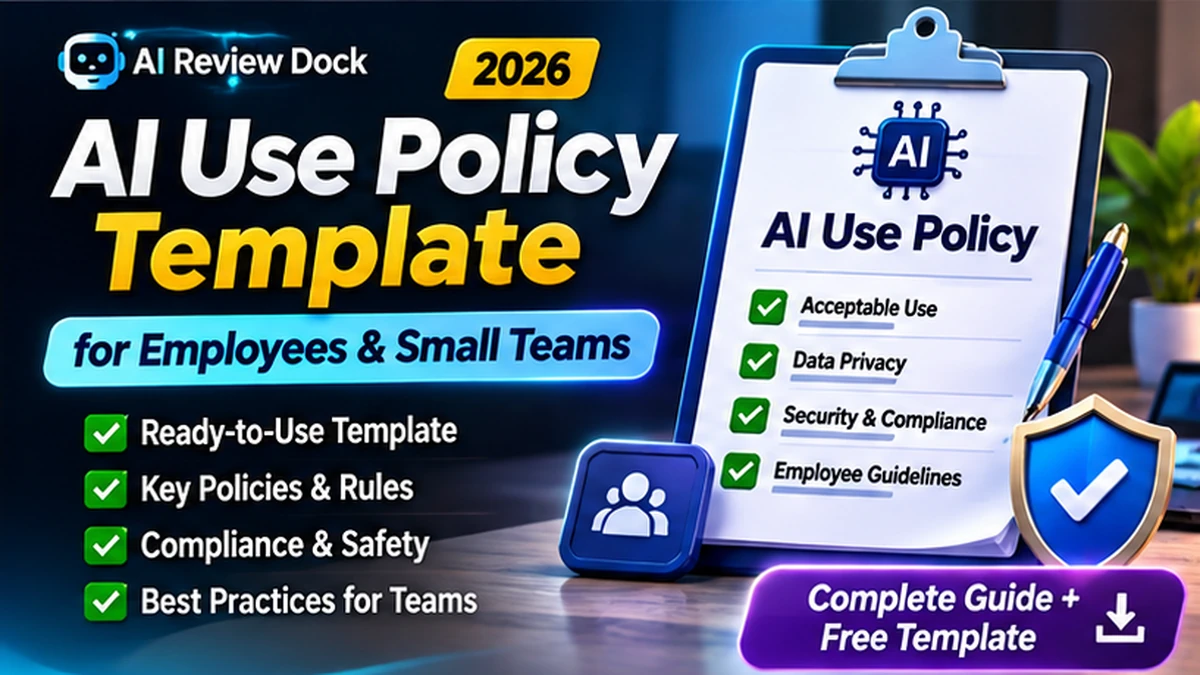
Moreover, a policy should point to a live register rather than embedding a fixed list of brands that becomes outdated. For example, keep one row per tool or material use case. Record the owner, approved business purpose, permitted data type, authentication method, vendor terms, review date and status. A small register can live in a spreadsheet with controlled editing.
| Field | Example entry |
|---|---|
| Tool or feature | Marketing writing assistant |
| Owner | Content lead |
| Allowed task | Draft public blog outlines |
| Allowed information | Public and non-sensitive internal guidance |
| Restricted use | No customer files or credentials |
| Human approval | Editor reviews before publication |
| Next review | Quarterly |
In addition, an approval for one use case should not silently become approval for every integrated feature. For example, using an assistant to summarize a public research report is different from connecting it to your support inbox with authority to send replies. Each new integration changes the data and action surface. NIST’s AI Risk Management Framework Core offers the broad functions Govern, Map, Measure and Manage, which are useful for organizing these responsibilities.
For a deeper explanation of data owners, retention and system records, read our AI Data Governance in 2026 guide.
Classify the data before employees enter prompts
Simple labels help staff avoid guessing. Public material is information the business intentionally shares. Internal material might include a non-sensitive project schedule or standard operating procedure. Confidential material includes private contracts, customer datasets or nonpublic pricing. Restricted information can include credentials, regulated personal information or materials covered by special contractual limits.
Next, use a table or flowchart inside the team wiki that answers one question: is this type of information allowed in this exact AI service for this task? However, do not rely on a general statement that all business-tier accounts are safe. Security commitments, data residency, training options and retention controls can vary between vendors and configurations.
However, if a task needs private information, consider redaction, de-identification, synthetic examples or another approved internal workflow. Explain that removing a person’s name does not always anonymize a document if other details still identify them. Employees should minimize what they share rather than trying to use clever prompts to override a security restriction.
Our AI Tool Privacy Checklist provides vendor questions about training, retention and connected-app access.
Human review: what should actually be checked?
‘Review AI output’ is too vague unless employees know what review means. For example, A customer support agent may need to verify refund terms, customer identity and whether a proposed answer matches a current policy. A marketing editor should check product claims, cited statistics, image licenses, brand voice and disclosure. A developer should review security, run tests and confirm that generated code does not expose credentials.
Furthermore, for medium-risk work, a second person may be appropriate before publication. However, high-impact decisions should have a documented approval process and may need specialist review. Specify who signs off, how edits are recorded and when AI assistance must be disclosed. Keep the process proportionate: a short public social post does not need the same controls as an employment screening recommendation.
In addition, a simple quality log can record the task, AI tool, reviewer, fact-check status, final decision and date. As a result, this becomes useful when errors recur or a client asks how a decision was made. Avoid collecting full prompts with unnecessary confidential details merely to prove that a review occurred.
Employee training: five practical exercises
Moreover, a policy works better when training mirrors everyday work. For example, have staff classify five example documents, identify one prompt that would disclose private data, verify an invented citation, spot an instruction hidden in an uploaded document and practice reporting a mistake. These exercises show what employees should do, not merely what a company forbids.
For example, an easy thirty-minute session could spend five minuteson permitted tasks, ten minutes on data classification, ten minutes on output verification and five minutes on reporting. Finally, repeat targeted training when a new AI integration or risk emerges. Record attendance and make a concise reference sheet available in the tools employees already use.
The UK National Cyber Security Centre’s shadow IT guidance explains why unsanctioned tools can fall outside an organization’s risk management. The lessons apply to unauthorized AI services as well: approved alternatives and a usable request process are important.
A 30-day rollout plan for small businesses
Days 1–5: discover. Ask team leads which AI tools and integrated features they already use. Do not make the first conversation punitive; you need an accurate inventory. List the tasks, data categories and business owners. Prioritize any workflow with customer records, connected apps, finance or external publication.
Days 6–10: decide. Approve low-risk tasks, pause unreviewed high-risk tasks and evaluate vendors where private data may be involved. Publish the initial one-page policy and a small approved-tool register. Give employees a way to propose a tool when existing options do not meet their needs.
Days 11–20: train. Run short examples with each team and test the reporting channel. Confirm that managers know who is responsible for approving client-facing AI work. Review the use of personal accounts, browser extensions and integrations as well as standalone chatbots.
Days 21–30: test. Sample real workflows, check whether reviews are occurring, and adjust rules that are confusing. Report open risks and agreed next steps to the owner. Set the next review date. A policy is not complete because somebody clicked an acknowledgment box; it must be a working process.
Common mistakes in AI workplace policies
Banning everything without alternatives. Employees who still need to complete their tasks may move to personal accounts, creating less visibility rather than less risk. Allowing every tool without limits. This ignores differences in vendor data handling, permissions and availability. Relying on AI to certify its own output. A generated answer should not be considered independently verified simply because the same system repeats it confidently.
In addition, other mistakes include copying a template without assigning an owner, omitting a reporting route, failing to document approved use cases and treating software subscriptions as permanent approvals. Review each tool when its data practices, model integrations or action permissions change. The policy should not promise compliance with every law based on a generic checklist.
Similarly, when a new tool will process confidential information,a documented vendor review is appropriate. For example, keep the review lightweight for low-risk tasks and more detailed when the possible harm is significant.
Frequently asked questions about an AI use policy
Can a five-person business use a one-page AI policy?
Yes, a short policy can be a useful starting point if it defines allowed tools, restricted data, human review and reporting. Larger or regulated operations may need additional procedures and legal review.
Should all ChatGPT or other consumer AI use be banned?
Not necessarily. Make decisions based on the use case, account controls, data classification and vendor terms. Banning useful tools without offering alternatives can push activity outside approved processes.
Does an employee acknowledgment make the company compliant?
No. Acknowledgment alone does not demonstrate that tools are appropriately reviewed, data is protected or harmful outputs are monitored. Train, test and update the process.
How often should the policy be updated?
For example, a quarterly review is a reasonable editorial example for a small team, with earlier review whenever tools, sensitive workflows or applicable requirements change. Your actual schedule should reflect risk.
Can we reuse this template commercially?
Furthermore, you may adapt the original sample policy wording in this article for your own organization, subject to your legal review. Links to outside frameworks are provided for reference rather than copied policy text.
AI Use Policy Template: Final Checklist and Next Action
Therefore, before employees start using AI for business work, make sure there is a named owner, an approved-tool register, documented data restrictions, a human review requirement, a reporting contact and an employee training plan. Finally, schedule an explicit review of the rules. These six controls turn a generic AI use policy template into an operational safeguard.
Finally, this is educational guidance, not a substitute for legal advice, procurement assessment or technical security testing. Therefore, start with the copy-ready policy above, adaptit to the data your business actually handles and validate that people can follow it without confusion.