
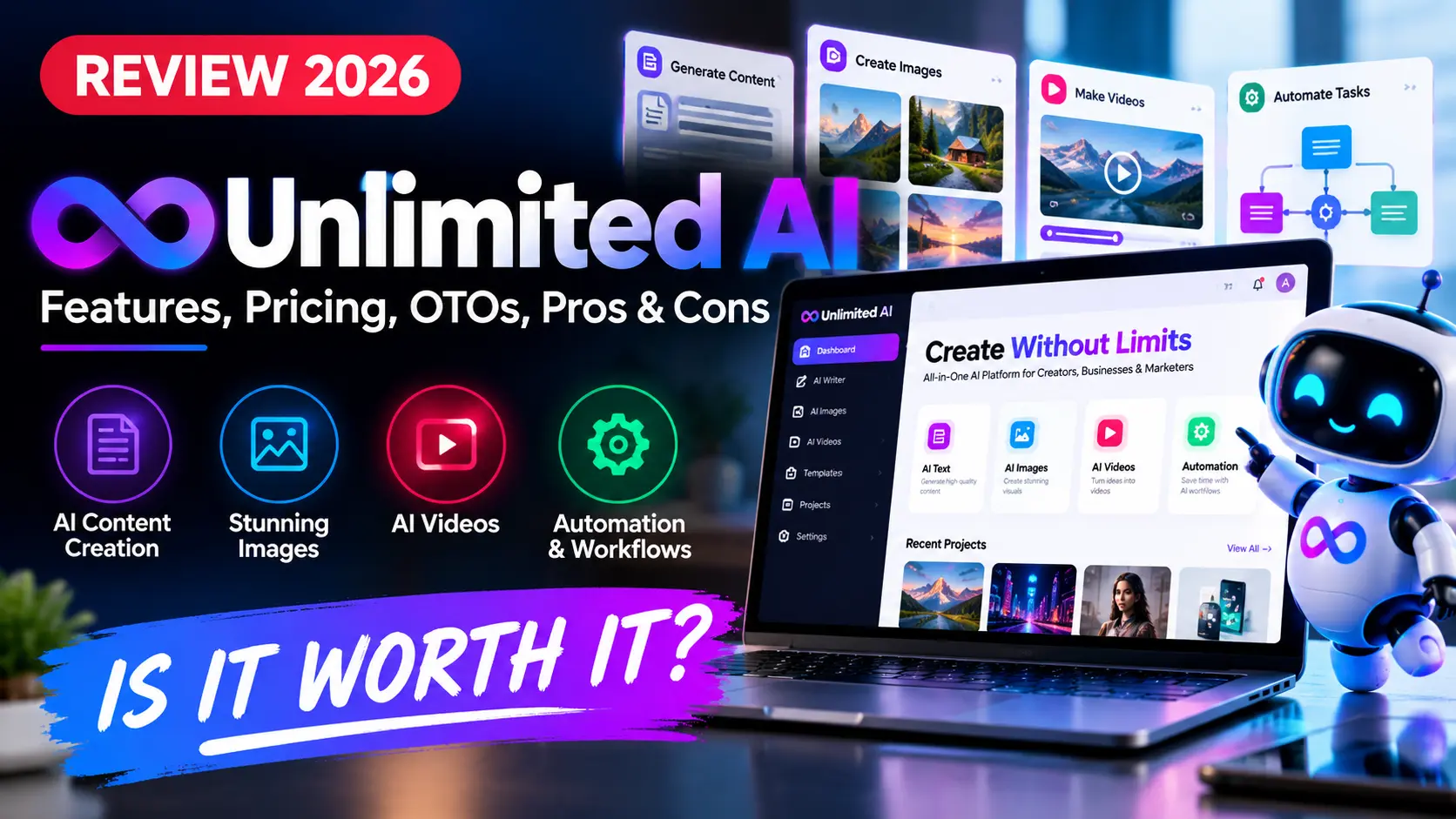
Unlimited AI Review 2026: Unlimited AI is a recently launched all-in-one AI creation platform built around a simple promise: give creators one dashboard for several types of AI content without the usual credit counters, separate subscriptions, or constant tool switching. That promise is attractive, but it also deserves a careful look before you buy.
This review is intentionally research-based rather than pretending we personally tested every output mode. We reviewed current launch information, vendor positioning, publicly available product details, pricing references, and the way the offer is structured. Where a capability is a vendor claim rather than something independently verified, we say so clearly.
Quick verdict: Unlimited AI looks most relevant to creators, affiliate marketers, freelancers, small agencies, and online businesses that regularly make different types of digital content. Its strongest selling point is convenience. Its biggest question is whether the broad “unlimited” promise stays practical under real-world heavy use. Buyers should judge the front-end offer first and avoid buying upgrades simply because they appear during checkout.
Unlimited AI Review 2026: Quick Overview
| Product | Unlimited AI |
| Vendor | Uddhab Pramanik / InSource Apps |
| Product Type | Browser-based all-in-one AI creation platform |
| Launch Listing | October 2026 |
| Front-End Launch Price | Launch listings show around $17; always verify the live checkout |
| Main Positioning | Multiple AI content studios in one dashboard |
| Best For | Creators, marketers, freelancers, small agencies, online businesses |
| Main Caution | “Unlimited” and model-access claims should be checked against live account limits and current terms |
Unlimited AI entered the market during a period when many creators were already paying for separate tools for images, video, voice, music, writing, presentations, and other assets. The product tries to replace that fragmented setup with one central workspace. On paper, that is a useful idea. In practice, the value depends on output quality, stability, processing limits, and whether the included tools are strong enough to replace the specialist apps you already use.
What Is Unlimited AI?
Unlimited AI is marketed as a cloud-based platform that combines several AI creation environments under one login. Vendor materials describe a collection of AI studios for tasks such as video creation, cinematic content, music, voice, ebooks, stories, images, visual assets, and presentations.
The central pitch is not just “more tools.” It is the removal of the credit-meter experience that has become common across generative AI software. The vendor promotes the platform with language such as no credits, no daily caps, no watermarks, and no monthly fee. Those are meaningful claims because generation costs are one of the biggest frustrations for high-volume creators.
However, broad unlimited-access claims always deserve practical scrutiny. AI processing has a real infrastructure cost. Before relying on Unlimited AI for client work, we would verify the current usage policy, export limits, queue rules, supported models, fair-use wording, and whether all studios receive the same level of unrestricted access.
Who Is Unlimited AI Designed For?
The platform makes the most sense for people who routinely move between several creative tasks rather than someone who needs only one highly specialized tool. A YouTube creator, for example, may need scripts, thumbnails, voiceovers, short videos, visual assets, and presentation-style content. A freelancer may need different deliverables for different clients. In those cases, consolidation can save time.
Potential users include content creators who want one workspace, affiliate marketers producing campaign assets, freelancers selling creative services, small agencies handling multiple formats, coaches building digital products, ecommerce sellers preparing ads and visuals, and bloggers who need supporting media around written content.
If you already have a mature workflow using specialist tools you trust, the calculation is different. Unlimited AI would need to save enough money or time to justify moving away from those existing tools.
Unlimited AI Features: What the Platform Claims to Include
1. Multi-format AI content creation
The strongest part of the offer is breadth. Instead of focusing only on text or only on images, Unlimited AI is positioned as a multi-format production environment. That can be useful for campaigns where one idea needs to become several assets.
2. AI video and cinematic content
Vendor materials emphasize video creation as part of the platform. That may appeal to short-form creators, YouTube channels, marketers, and businesses that regularly need promotional media. The important buyer question is not simply whether video generation exists, but which models power it, what resolution and duration limits apply, and how long rendering takes during busy periods.
3. AI images and visual assets
Unlimited AI is also promoted for image and design-oriented work. This can be useful for ad graphics, thumbnails, social visuals, concept images, covers, and promotional assets. Again, output consistency matters more than the size of the feature list.
4. Voice and audio creation
The platform is marketed with voice and audio capabilities, which could reduce the need for separate narration or audio tools. Buyers planning commercial use should still check licensing, voice-cloning consent rules, and export rights for the specific mode they use.
5. Ebooks, stories, and long-form content
For creators working with digital products, ebooks, lead magnets, story projects, or informational content, the broader writing and publishing angle may be useful. We would still edit factual or commercial content manually because generative systems can introduce errors, repetitions, or unsupported claims.
6. Presentation and marketing assets
The ability to move from an idea to a presentation, graphic, script, or campaign asset from one dashboard is one of the more practical reasons to consider an all-in-one platform. It reduces switching cost even when the individual tools are not the absolute best in every category.
What “Unlimited” Should Mean Before You Buy
The word unlimited is the headline feature, so it deserves more attention than any bonus or launch discount. A practical definition would mean that normal users can create without running into credit counters, tiny monthly generation allowances, or a forced subscription upgrade after a few outputs.
That does not necessarily mean infinite compute with zero operational rules. A platform can still have queue management, abuse prevention, model-specific restrictions, temporary capacity controls, file-size limits, or policies around automated use. The safest approach is to verify the live terms and then test the workflows that matter most to you during the refund period.
For this Unlimited AI Review 2026, we treat “no credits, no caps, no watermarks and no monthly fees” as vendor positioning until those conditions are confirmed inside the current buyer account and terms.
Unlimited AI Pricing
Current launch listings place the front-end offer around $17 one time. Promotional pricing can change, and some reviewers have reported lower early-bird pricing during parts of the launch. Because launch funnels move quickly, the checkout page should be treated as the source of truth for the amount you actually pay.
The low front-end price is attractive, but it should not be confused with the cost of every optional upgrade. The sensible buying strategy is simple: evaluate the core product first. If the front-end already handles your main workflow, you may not need the rest of the funnel.
Unlimited AI OTOs and Upgrade Funnel
Public launch material describes a multi-step upgrade path around the front-end product. The upgrade names reported across current launch coverage include options positioned around advanced access, done-for-you resources, agents, cinematic creation, visual effects, enterprise use, franchise/reseller rights, agency features, and white-label rights.
Because OTO pricing and even upgrade packaging can change during a launch, we are deliberately not presenting every third-party price as permanent fact. Always check the live funnel before buying.
How to think about the upgrades
Advanced or “Extrema” access: Consider this only if the front-end limits a capability you actually need.
DFY resources: Useful if templates save you time, but not essential if you already know how to build your own campaigns.
Agents mode: Potentially valuable for repetitive workflows, provided the automation works reliably with the tasks you perform.
Cinema / visual-effect upgrades: Relevant mainly to buyers who care about video and visual production.
Enterprise / agency tiers: More appropriate for teams, client management, or heavier commercial usage.
Franchise / reseller / white-label options: These are business-model upgrades, not requirements for normal content creation.
The key point is that an OTO should solve a real limitation. Buying an upgrade because a timer says it is your “last chance” is not a useful purchasing strategy.
Unlimited AI Pros and Cons
Pros
- Broad tool coverage: one dashboard may replace several smaller tools for some users.
- Low front-end launch price: the entry cost is modest compared with stacking multiple monthly subscriptions.
- Multi-format workflow: useful when a single project requires text, visuals, audio, and video.
- Browser-based access: there is no traditional desktop installation workflow to manage.
- Commercial-use positioning: potentially useful for freelancers and agencies, subject to the current license terms.
- Simple value proposition: fewer dashboards and fewer credit counters are easy benefits to understand.
Cons
- The “unlimited” promise needs verification: buyers should inspect current terms and real account behavior.
- Very broad feature lists can hide uneven quality: an all-in-one tool may not beat specialist software in every category.
- Launch funnels can become expensive: multiple OTOs can turn a low front-end price into a much larger total purchase.
- Model details are not always independently clear: confirm which engines actually power the workflows you care about.
- New software carries stability risk: support quality, processing speed, and long-term maintenance matter more after the launch period ends.
How Unlimited AI Compares With Separate AI Subscriptions
The real alternative to Unlimited AI is not another single product. It is a stack. Many creators pay separately for a writing assistant, image generator, video tool, voice platform, presentation software, and other niche services. That stack can become expensive, but specialist tools often provide deeper controls and more predictable quality.
Unlimited AI takes the opposite approach: reduce fragmentation and put more jobs in one place. That can be a better fit if convenience and cost control matter more to you than having the absolute best specialist model for every task.
If you are comparing several tools before buying, browse our AI Tools section and our AI Tool Comparisons. For active launch offers, check the AI Software Deals page.
Who Should Consider Unlimited AI?
Consider it if: you regularly create several types of content, you dislike managing multiple AI subscriptions, you want a low-cost entry point for a broader creative toolkit, or you need a flexible workspace for small client projects.
Think twice if: your work depends on one specialist tool with advanced controls, you need enterprise-level guarantees, you require independently benchmarked model performance, or you plan to automate very high-volume production without confirming usage policies first.
Is Unlimited AI Legit?
Unlimited AI is a real launch offer associated with Uddhab Pramanik and InSource Apps, and it appears across current affiliate launch listings. That answers whether the offer exists. It does not automatically prove every promotional claim.
For a buyer, “legit” should mean more than “there is a checkout page.” You should confirm that the app performs the tasks you need, exports usable results, offers clear support, honors the stated refund policy, and continues to work after the launch promotion is over.
That is why our recommendation is to judge the product on the front-end workflows first rather than on income claims, bonus values, or dramatic “replace every tool” language.
Unlimited AI Review 2026: Final Verdict
Unlimited AI has an appealing concept: put several common AI creation tasks into one browser-based platform and reduce the friction of credits, subscriptions, and tool switching. For creators who make mixed media every week, that can be genuinely useful.
The strongest reason to buy is workflow consolidation at a low entry price. The biggest reason to stay cautious is the breadth of the “unlimited” promise. If the platform delivers stable output and practical usage limits for the specific studios you need, the value can be strong. If you already rely on premium specialist tools, the advantage may be smaller.
Our preferred buying approach is conservative: start with the front end, test your real use cases, keep copies of the current terms, and buy an upgrade only when you can identify the exact limitation it removes.
Affiliate disclosure: Some links in this Unlimited AI Review 2026 are affiliate links. AI Review Dock may earn a commission if you purchase through them, at no additional cost to you. Affiliate relationships do not guarantee positive coverage.
Unlimited AI FAQ
What is Unlimited AI?
Unlimited AI is marketed as an all-in-one, browser-based AI creation platform covering several content formats, including video, images, voice, writing, digital products, and presentations.
How much does Unlimited AI cost?
Current launch listings show a front-end price around $17, but launch pricing can change. Always verify the live checkout before purchasing.
Does Unlimited AI really have no credits?
The vendor promotes the platform as having no credits and no normal generation caps. Because usage policies can change or vary by feature, buyers should confirm the current terms and test the workflows they plan to use most heavily.
Do I need the Unlimited AI OTOs?
No. Optional upgrades should be considered only when they add something you actually need. The front-end product should be evaluated first.
Who is Unlimited AI best for?
It is most relevant to creators, marketers, freelancers, small agencies, and online businesses that regularly need multiple kinds of digital content.
Is Unlimited AI worth buying?
It may be worth considering if you want to consolidate several AI tasks into one lower-cost workspace. Buyers who already use specialist premium tools should compare output quality and workflow depth before switching.